Editing Your Profile Information
This article will show you how to edit your profile information, such as your email address and password.
Changing your Email Address or Password
If you need to edit your account email address or password, click on the blue power button/ or your photo in the top righthand corner then click on Account Settings from the dropdown.
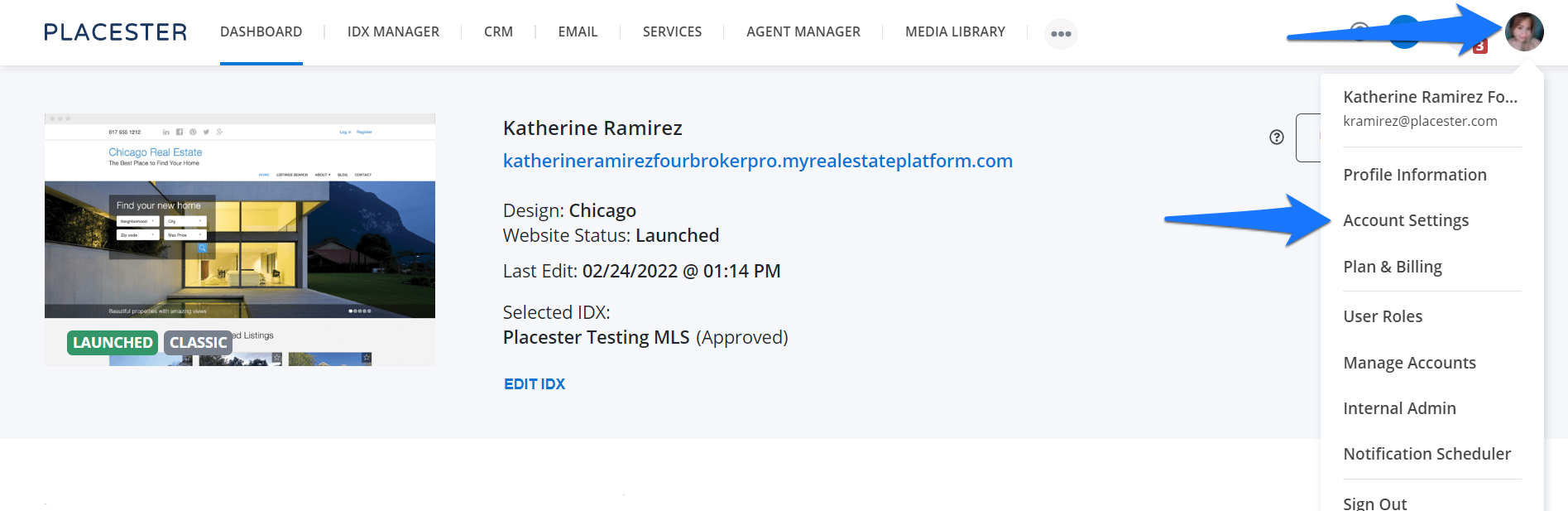
This will bring you to your account setting page.
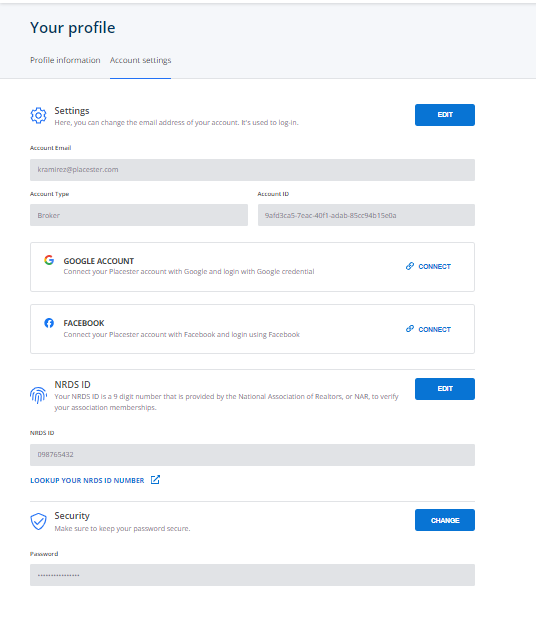
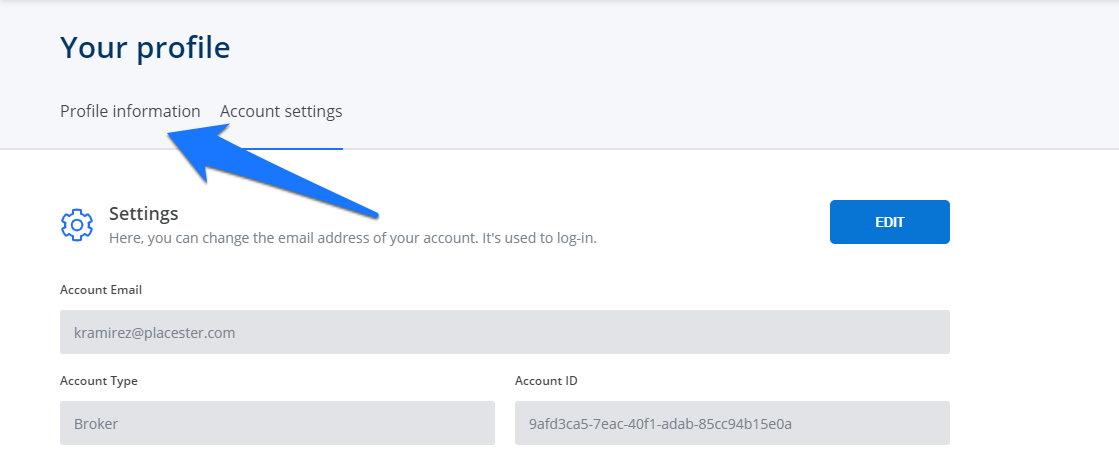
To edit your profile, you can simply click the profile Information tab
Editing your Profile
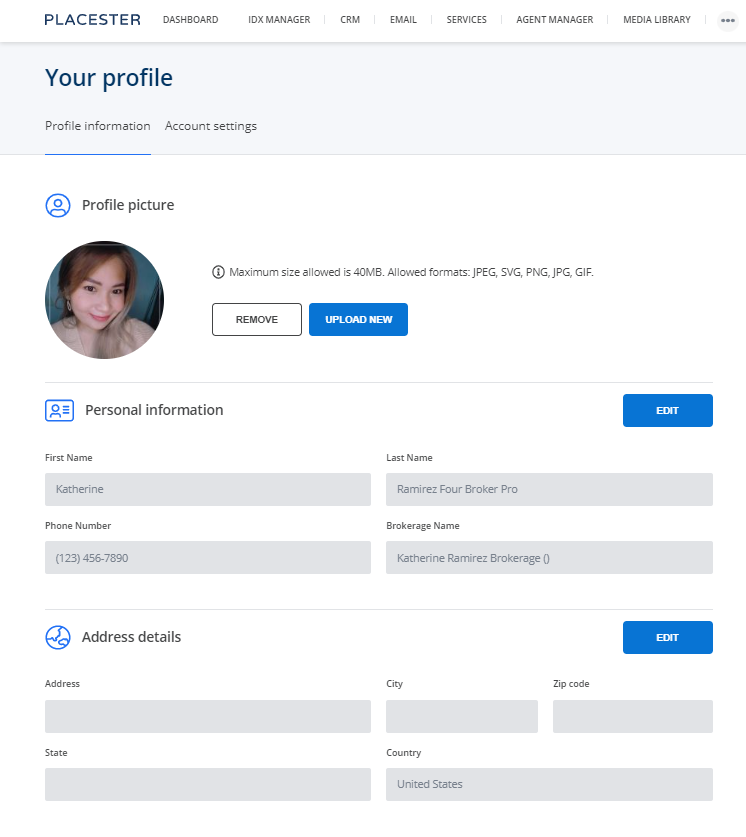
This will bring you to the following screen to change your information. The image that you upload here will be the profile photo for the Placester application.
Need More Help?
If you have additional questions about editing your profile information, let our support team know at support@placester.com.