How To Order Agents within your Agent Index Page [Classic]
In this Support article, I'm going to explain how to manage your Agent's Order within your Agent Index Page.
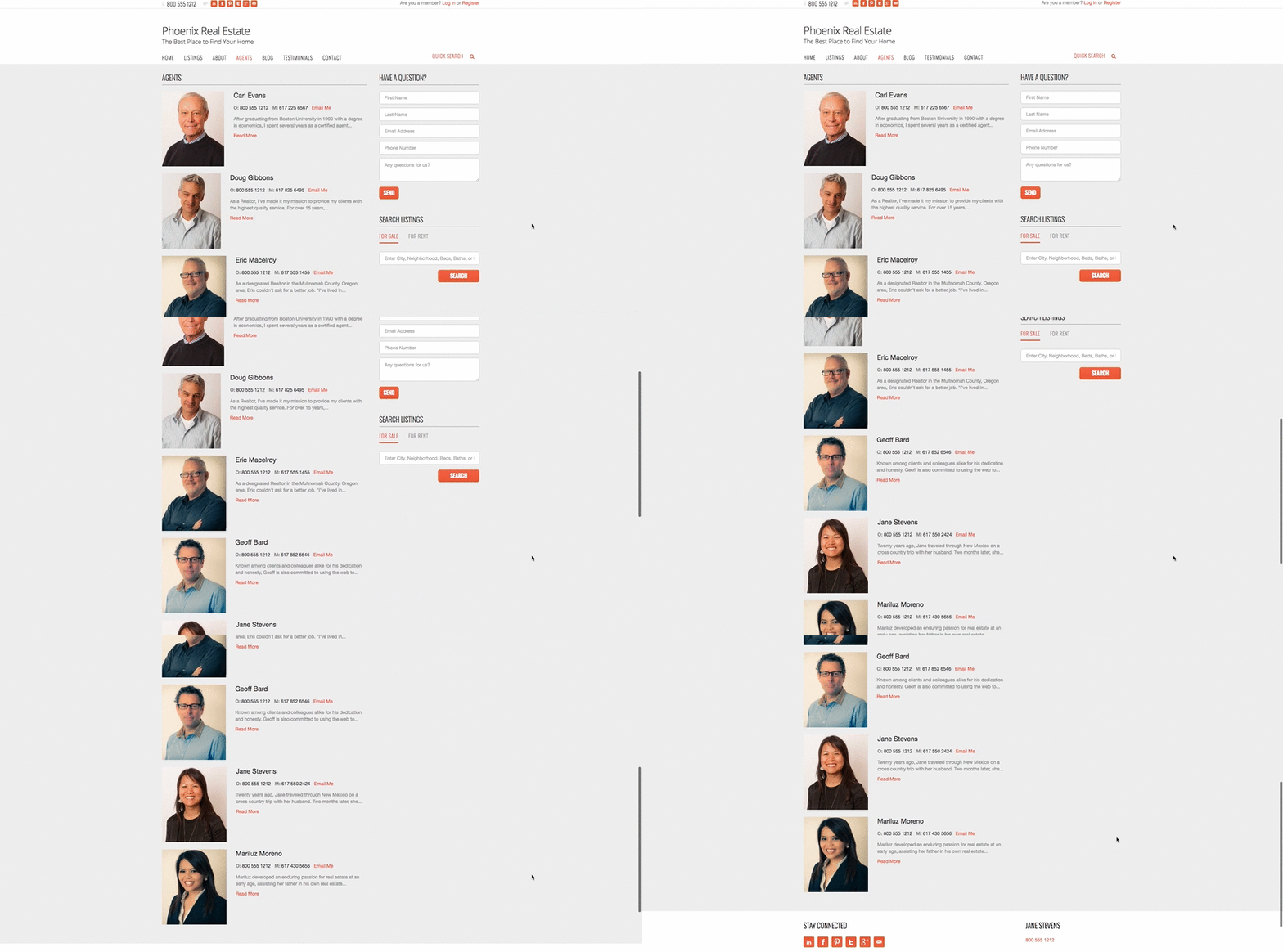
By default, agents will be displayed on an agent index page as "featured agents," followed by non-featured agents. On the Agent Index Page, agents will be displayed in alphabetical order displaying "Featured Agents" first and then non-featured alphabetically (as seen in the screenshot below).
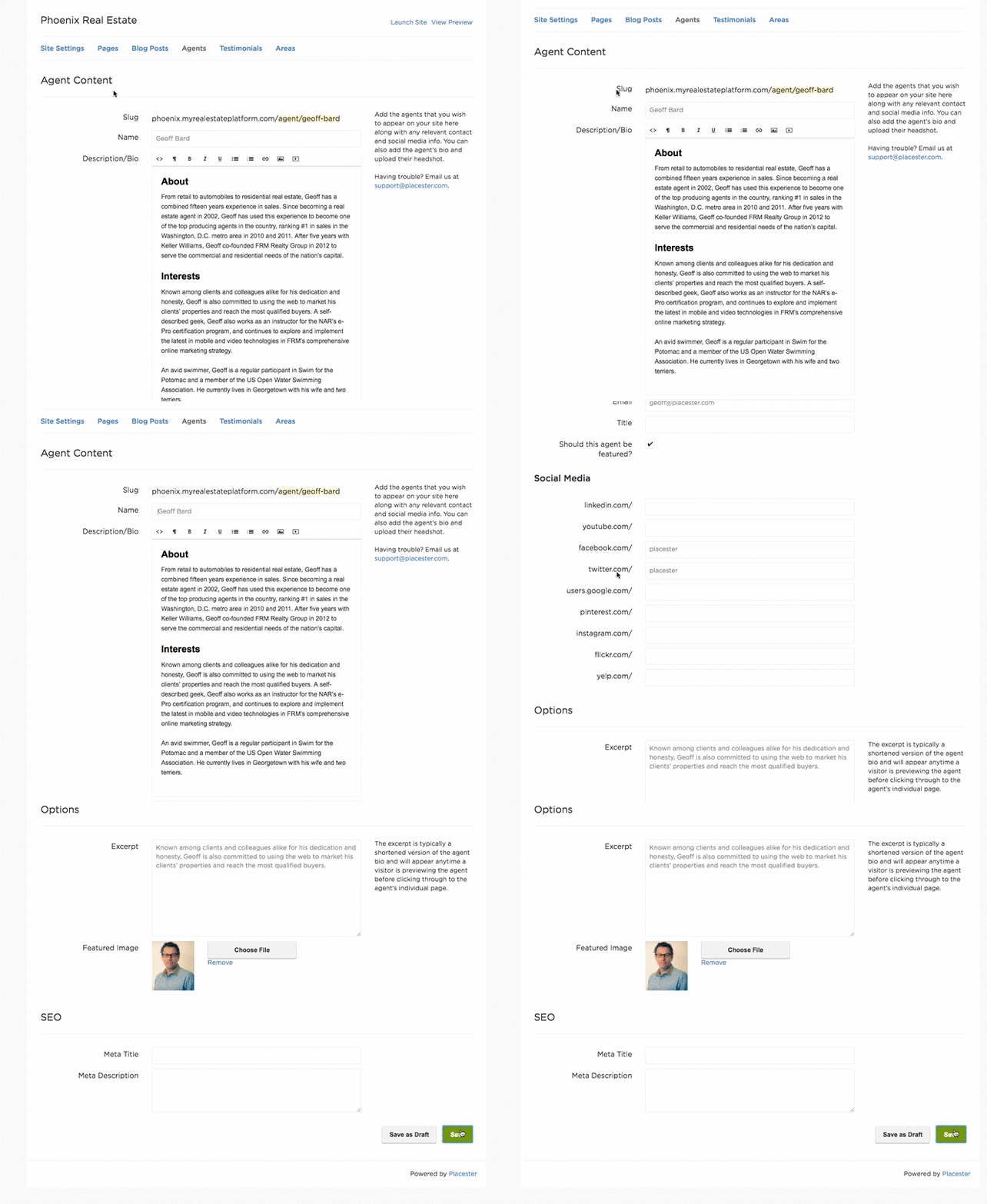
You can manage which order your agents will be displayed first by inserting a space or multiple spaces before the agent's name. The agent with the most spaces will be the first to be displayed on the agent index page.
As you can see from the screenshot below, adding the space put Geoff Bard at the top of the agent index page.
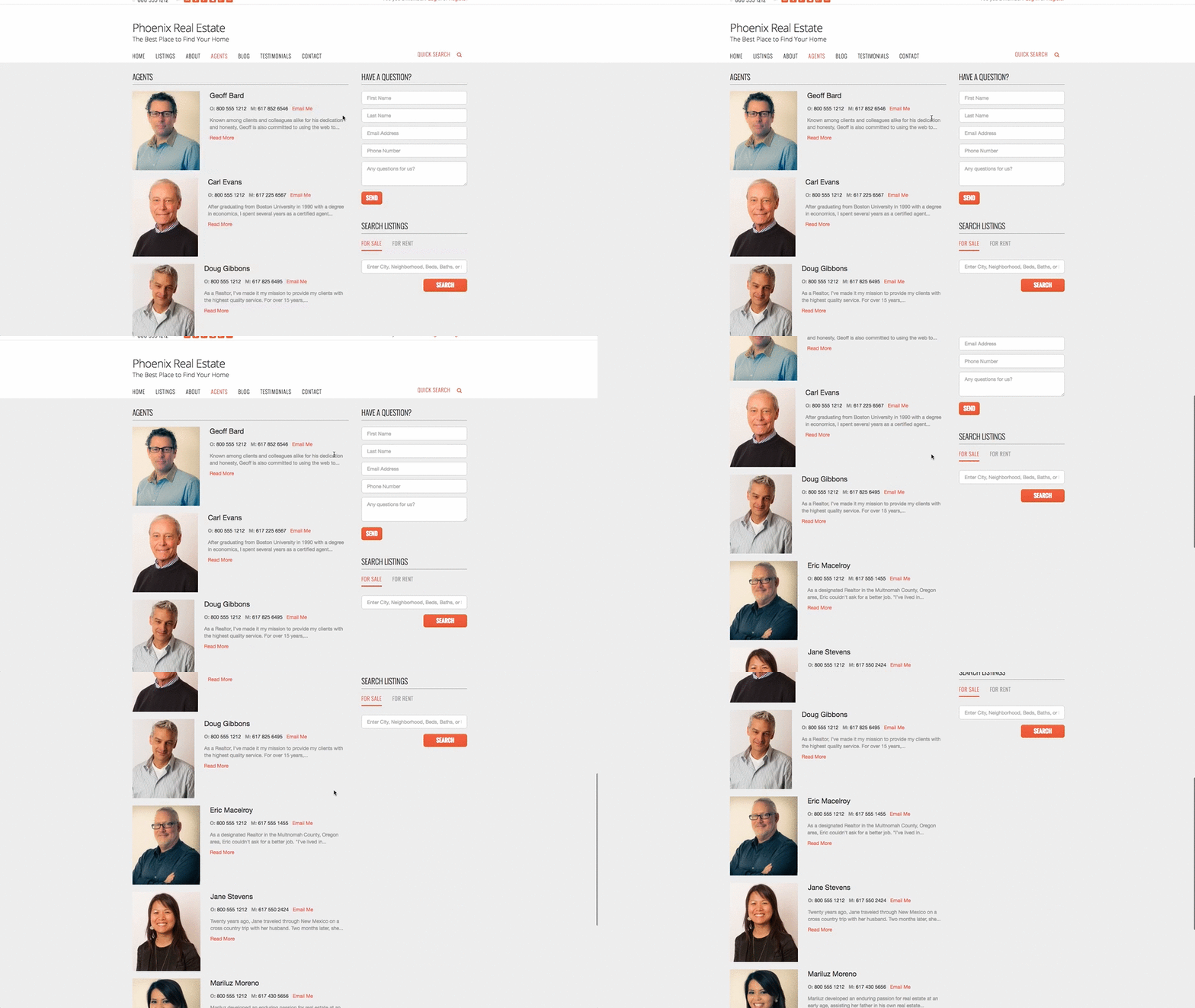
Using a combination of the space bar with the Featured Agents will help give you the desired effect within your agent page.
