Font Style and Size
This article will show you how to Change your Font Style and Size
Dashboard
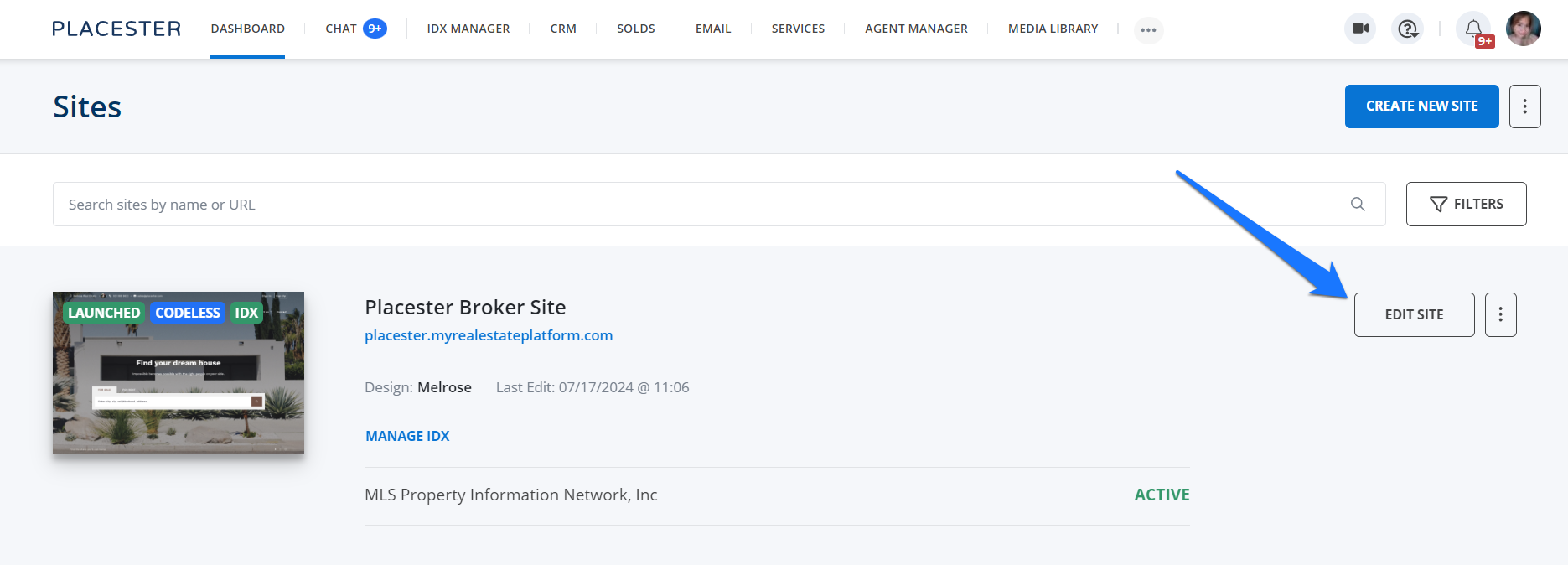
Once you're logged in to the Placester backend of your site. From the Dashboard click Edit Site.
Customizer Slide out
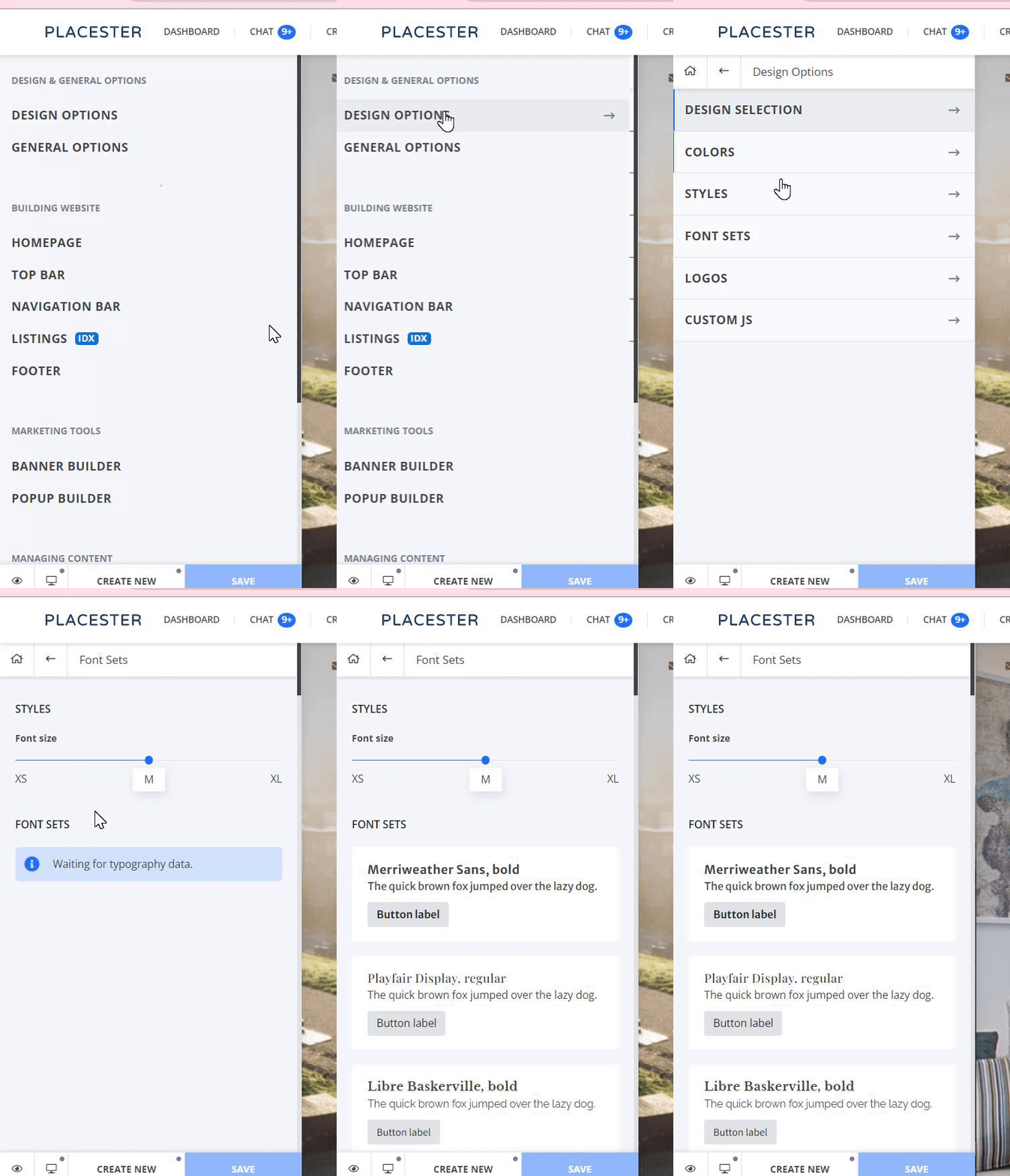
Once you're within the customizer slide out menu, click on Design Options then click Font Sets.
You can adjust your Homepage font set from XS to XL. You will be able to see how the text will look on the actual site in the preview.
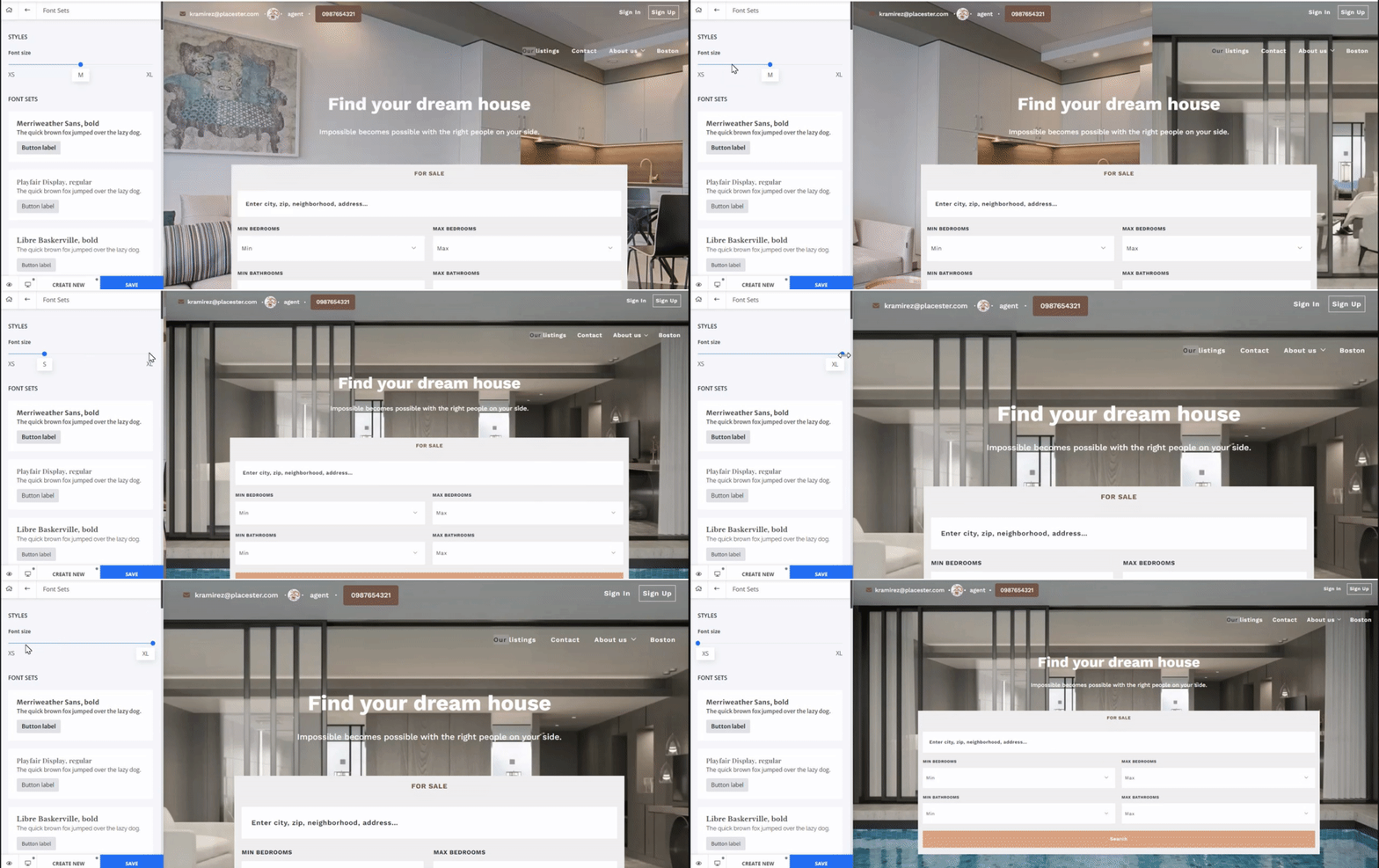
Note: The font set setting will be applied to the entire homepage.
Just below the font size, you can check the available font set and when you click on them, you will also see in the preview how they will look on the actual site.
After you have chosen your font style and font size you can click the save button.
Need More Help?
For questions, concerns or feedback, please chat with our team:https://app.placester.com/chat