Phoenix Theme Guide [Classic]
This article will provide a general overview of the site design, features, and image dimensions for the Phoenix theme.
Theme Selection
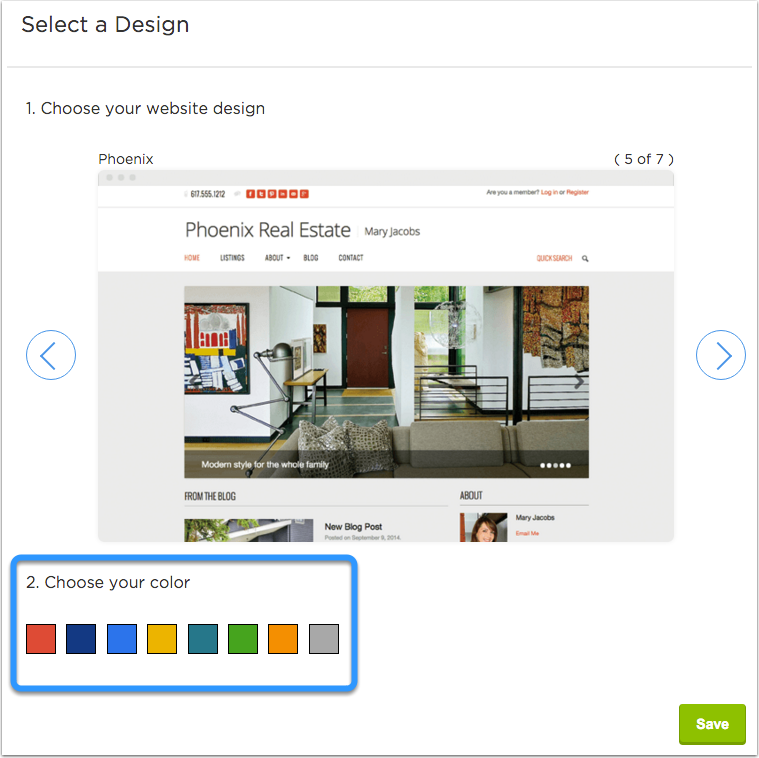
You can select the Phoenix site design and one of its color schemes via Site Settings > Theme Selection.
Header
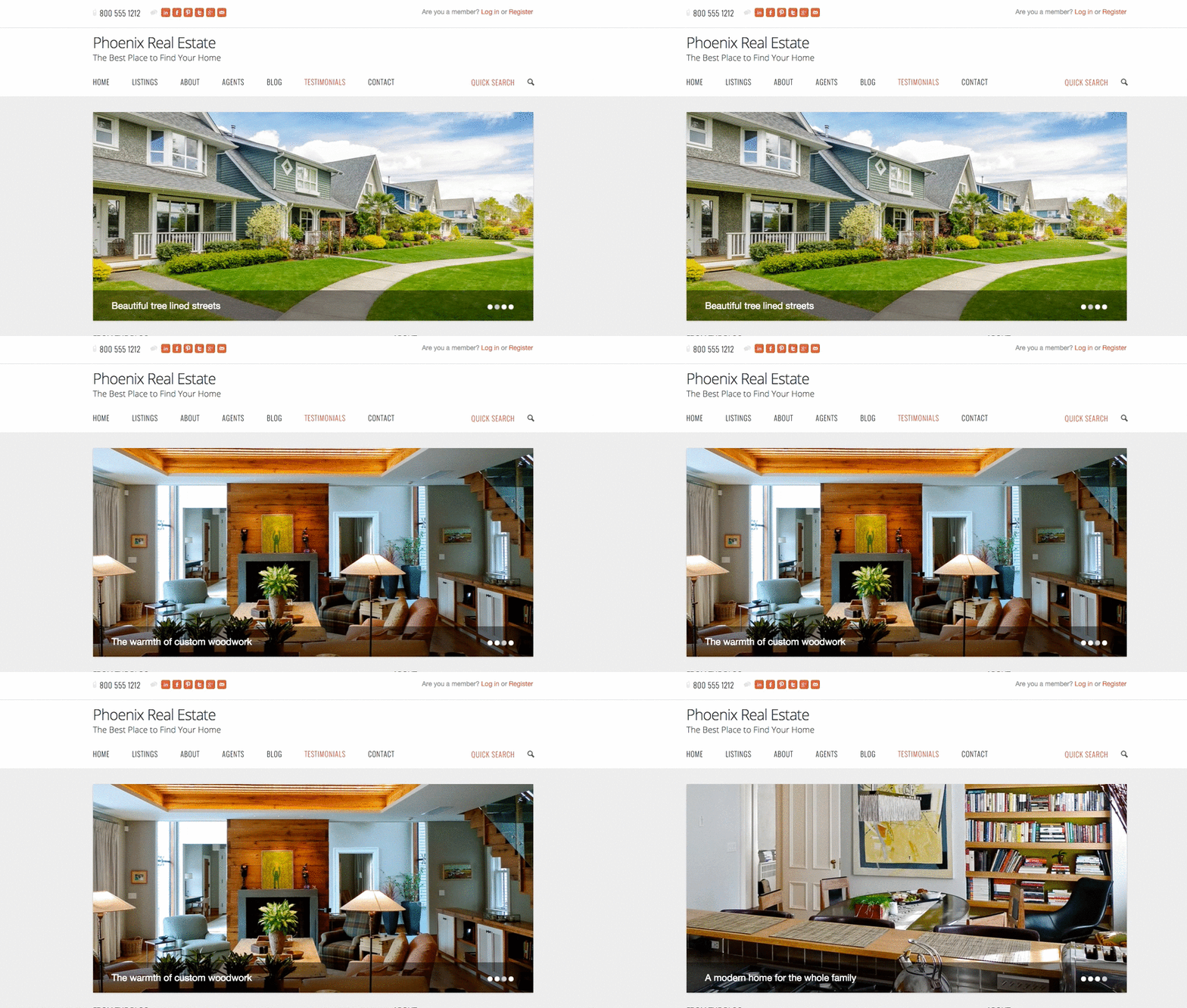
Top Left: Phone number, Social network buttons, Site title, and Tagline.
Top Right: Login/Register option, Logo
Menu and Quick Search

Home Slideshow
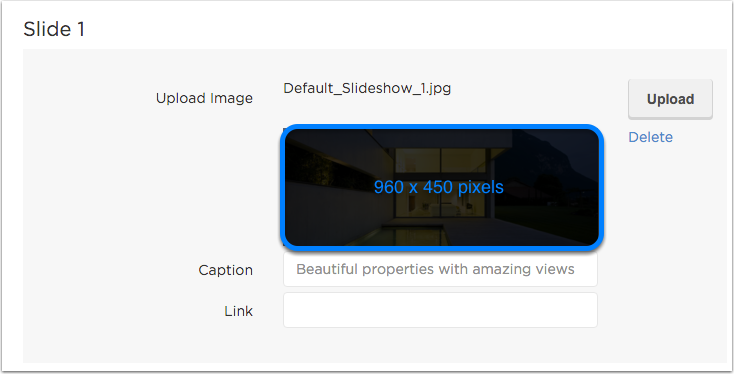
You can upload new slideshow images through Site Settings > Slideshow. You can find more information about adding images to your slideshow here.
Featured Blog Posts
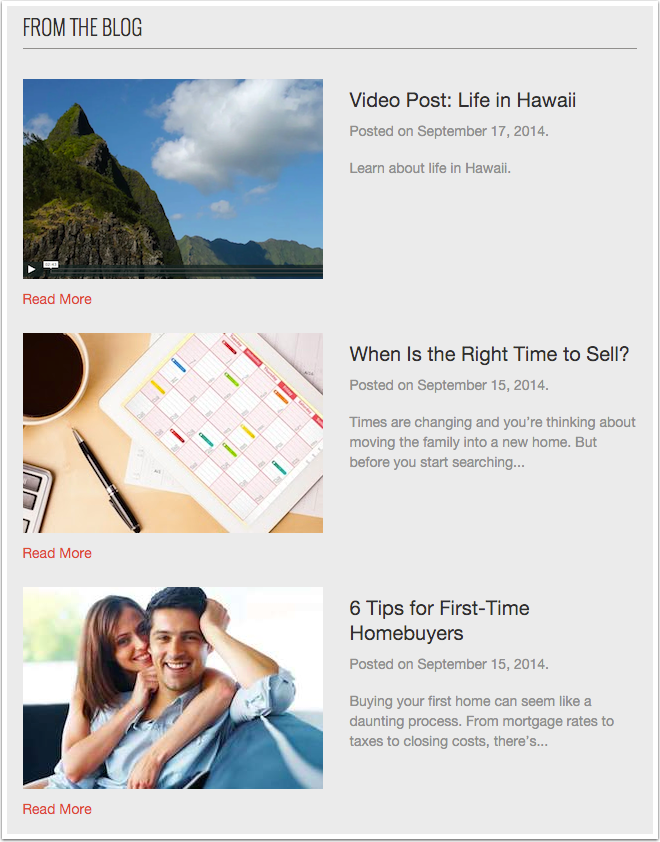
The Phoenix theme displays the featured image and excerpt of three blog posts on the homepage. You can learn more about creating blog posts here.
Featured Listings
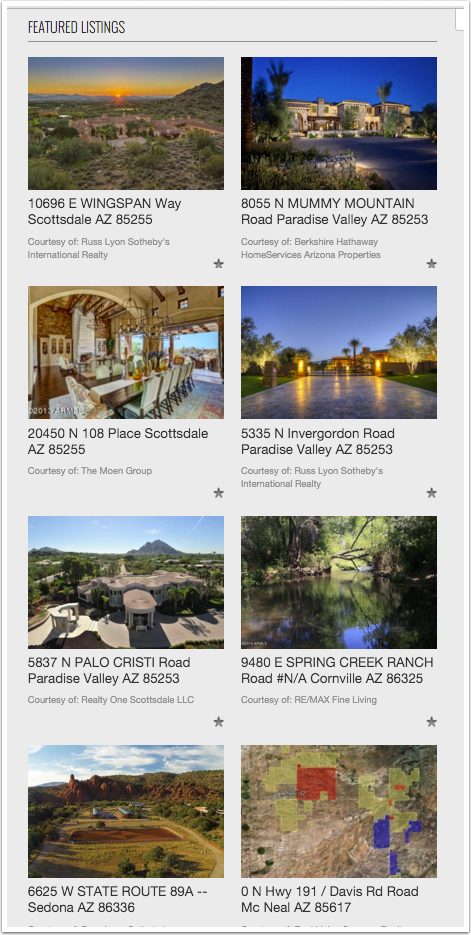
The Phoenix theme displays eight featured listings on the homepage, in 2 columns of 4. You can add listings to your homepage via Site Settings > Featured Listings. You can find more details about adding featured listings to your homepage here.
About Widget
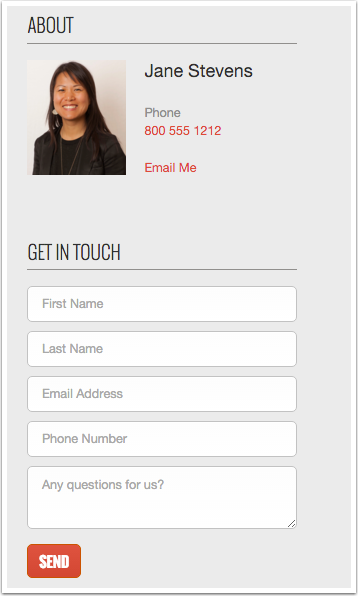
The Phoenix theme displays the About widget and Get In Touch form on the right-hand panel of the homepage. You can fill in all contact information that will display there via Site Settings > Site Info.
Testimonials
The Phoenix theme displays five sliding testimonials which are labeled as success stories at the bottom of the homepage. You can learn more about adding testimonials here.

Footer
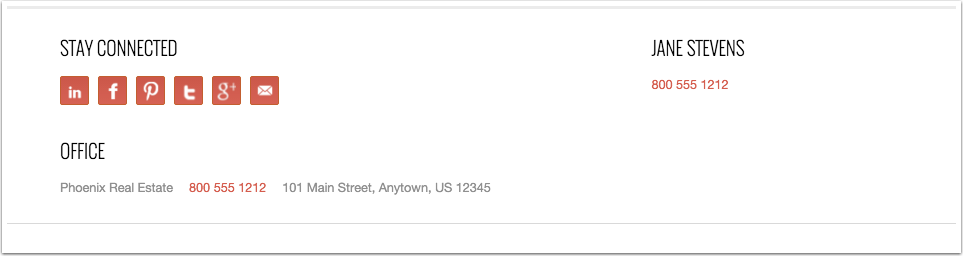
The footer on the Phoenix theme displays all of the social network buttons; you can learn more about adding your social networks to the site here. The footer also displays the contact and office information inputted via Site Settings > Site Info.
Recommended Image Dimensions
Slideshow images: 960 pixels wide by 450 pixels tall
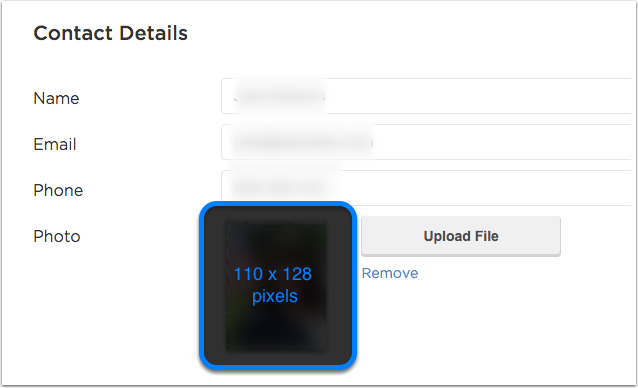
Individual agent headshot (under site info): 110 pixels wide by 128 pixels tall
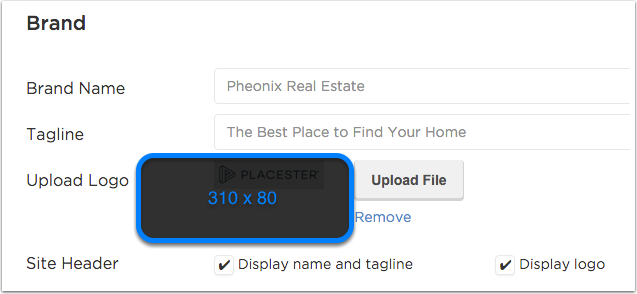
Logo: 310 pixels wide by 80 pixels tall
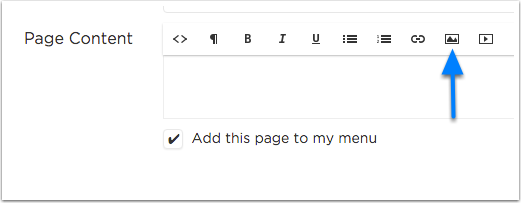
Images within pages/blog posts: maximum of 614 pixels wide
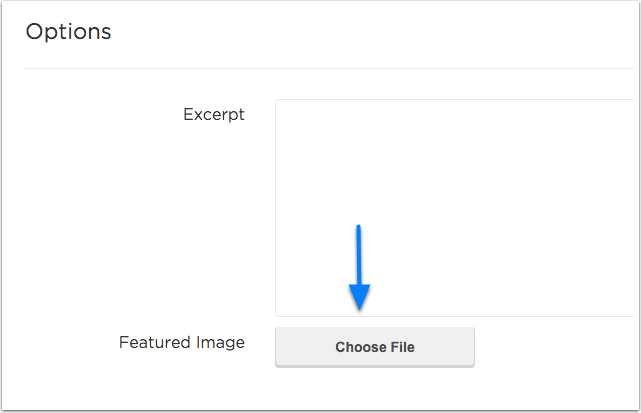
Blog post featured images: 300 pixels wide by 200 pixels tall
Agent head shots (Featured image on agents page): 186 pixels wide by 225 pixels tall.
You can find some helpful tips and recommendations for cropping and resizing images here.
Need More Help?
For questions, concerns, or feedback, please chat with our team: https://app.placester.com/chat