Follow Up Boss - Placester Integration
This article will show you how to Integrate Follow Up Boss with Placester.
This integration will automatically transfer all the leads and their data to Follow Up Boss.
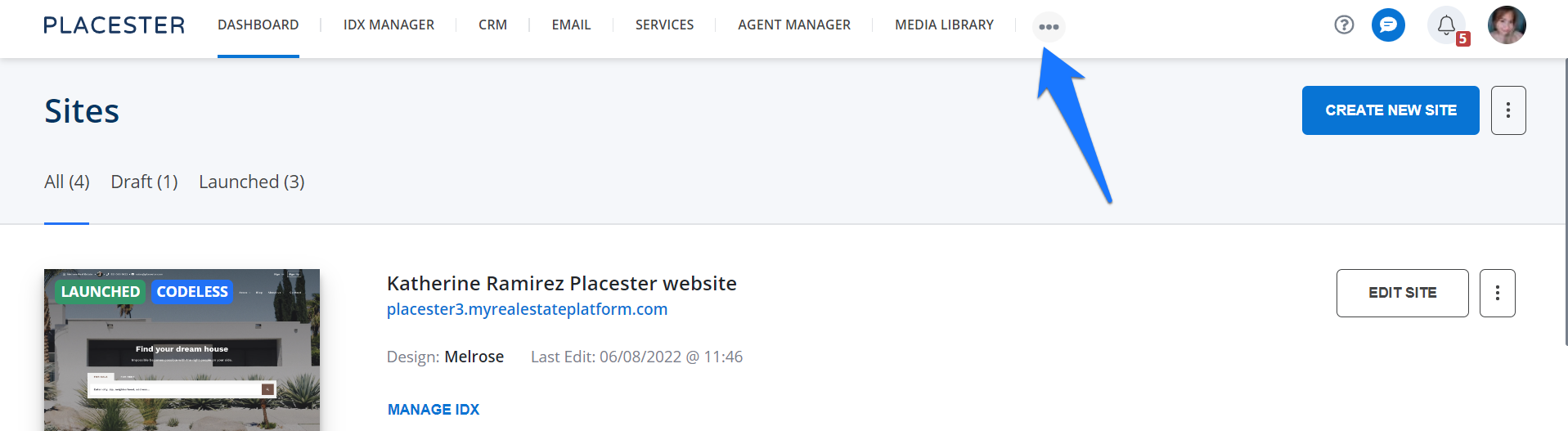
From your Placester dashboard, Navigate to your Placester account and tap on “…” icon.
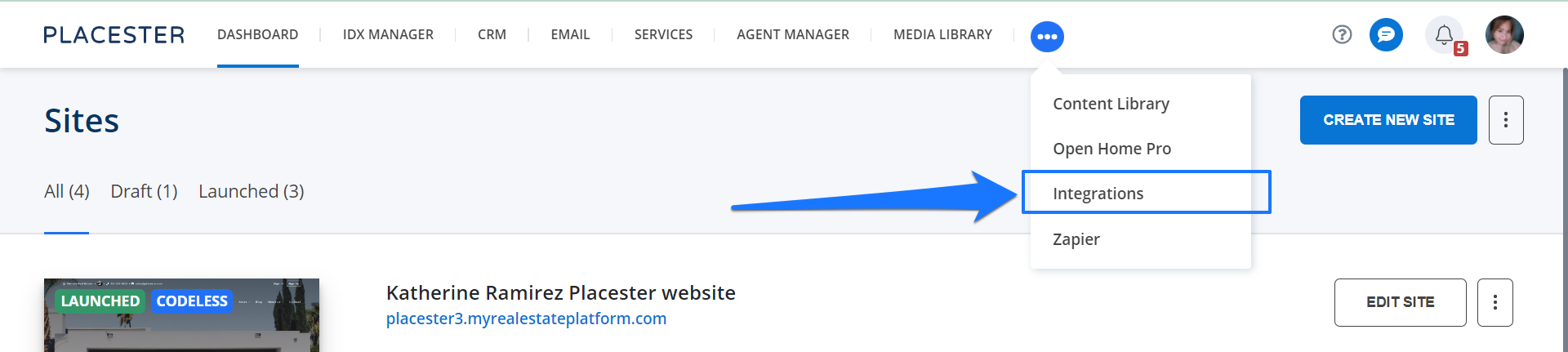
Select Integrations from the menu.
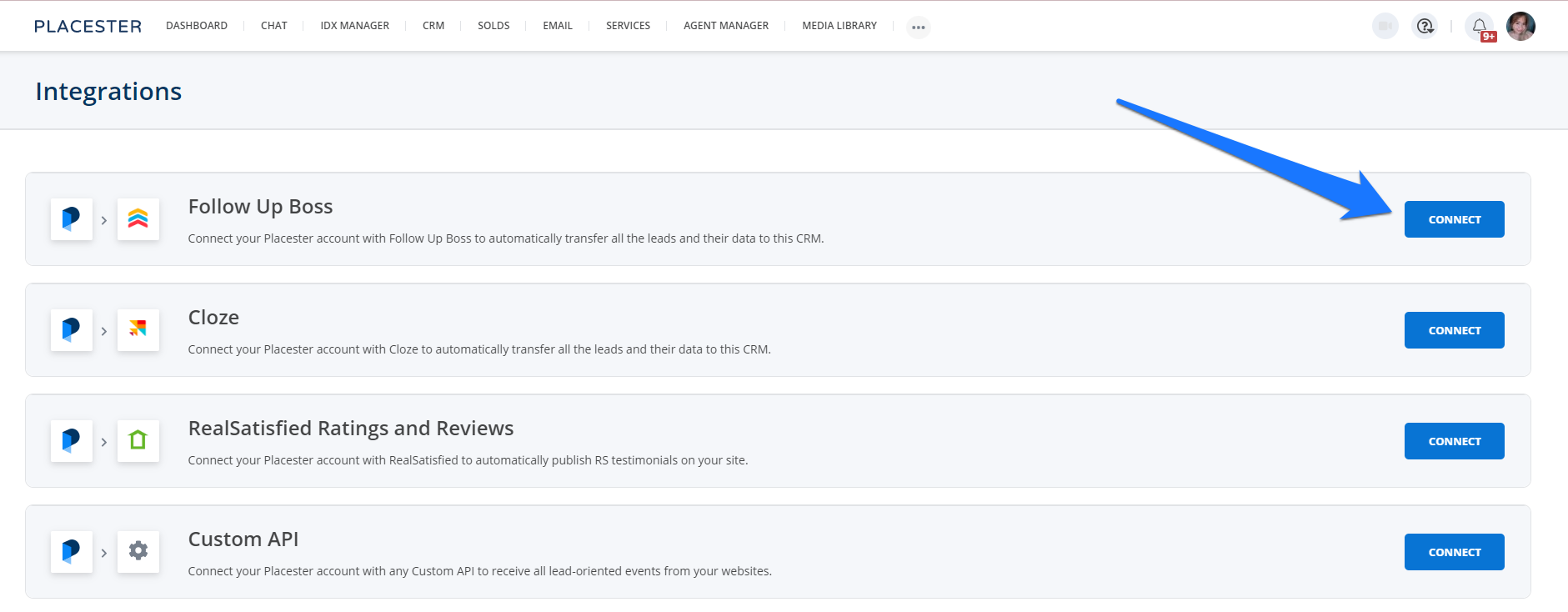
Click on the Connect button next to Follow up Boss
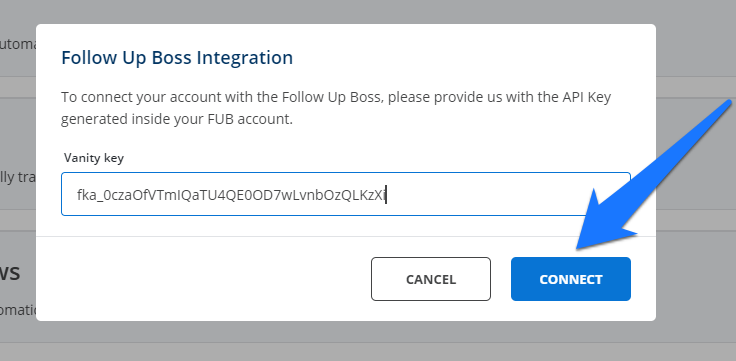
Add the API Key generated inside your FUB account. You may also check this article on how to create an API Key https://help.followupboss.com/hc/en-us/articles/360014289393-API-Key.
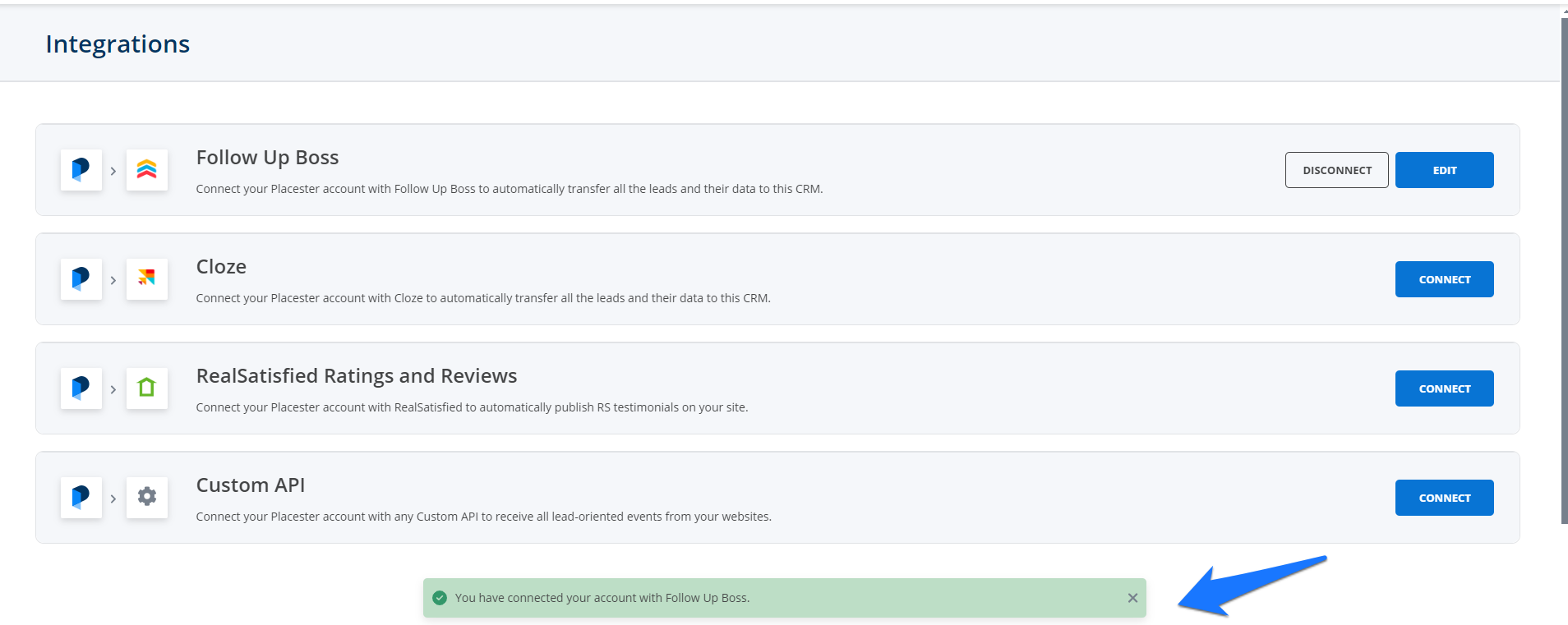
You will get a message that your account is now connected to Follow-up Boss.