Logging into your Placester Account [Classic]
This article will explain how to Log into the admin panel of your website to make changes.
Where do I login?
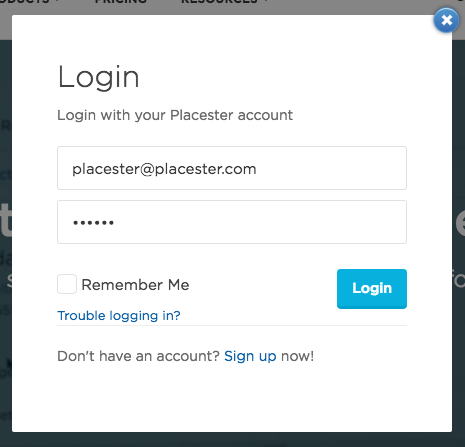
You can access the back end of your site at Placester.com. Once there, click Login in the top right-hand corner of the screen.
Enter your log in credentials into the pop-up screen:
Front end vs. Back end
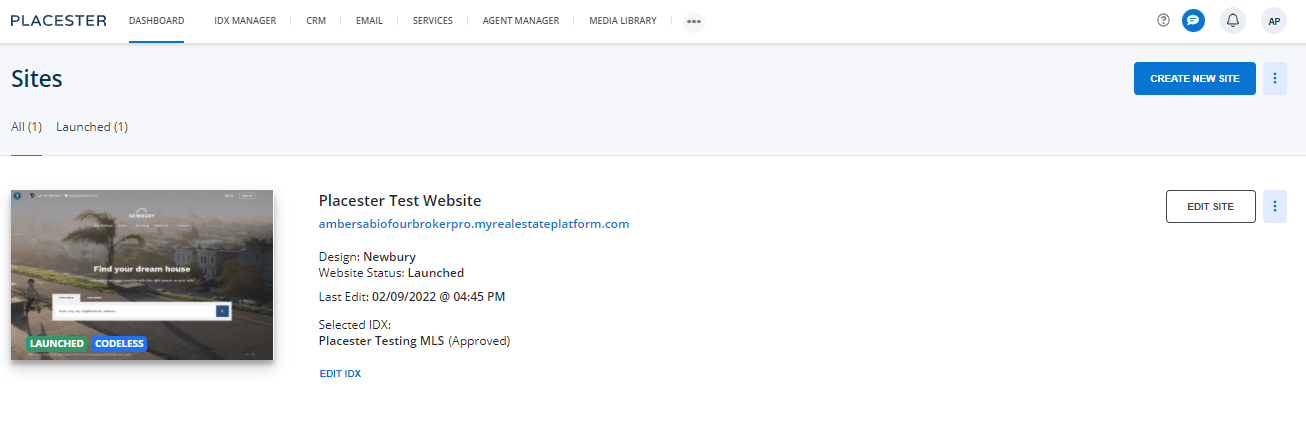
The back end of your site is the administrative side where you can make customizations. Only you can see these back end options. The front end is the live version of the site that your visitors see.
The back end looks similar to this:
Where should I start?
Upon logging in to your Placester site you will be faced with a few steps to get your website rolling. Once you complete each step, the blue status bar will fill up until all the steps are complete. These steps are essential to having an effective Placester site.
Here you can create or edit pages and blog posts and add agents, testimonials or areas, if you've created pages using those templates.
Site Settings
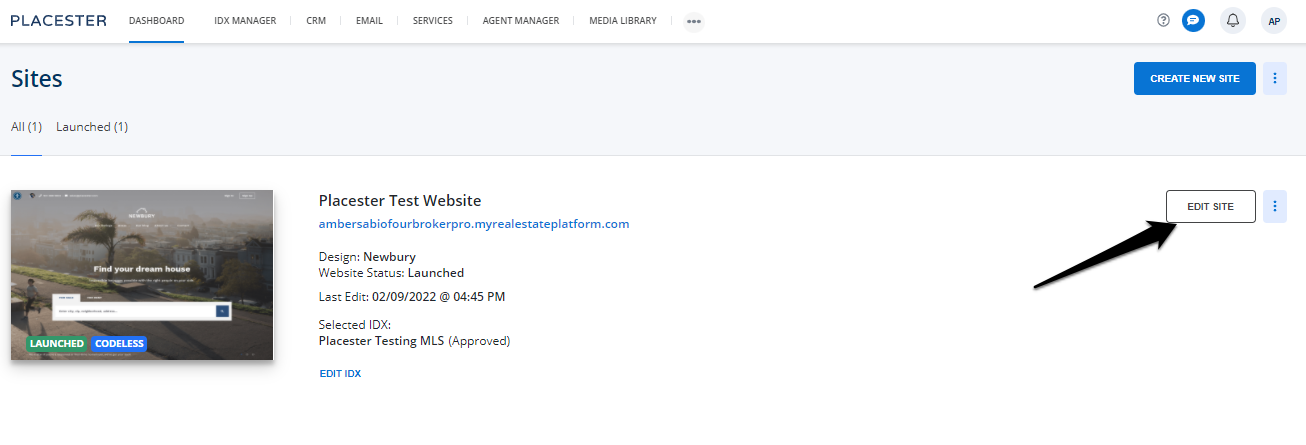
The new dashboard panel is a quicker way to access and edit these same areas of your site. This is done by clicking Edit Site:
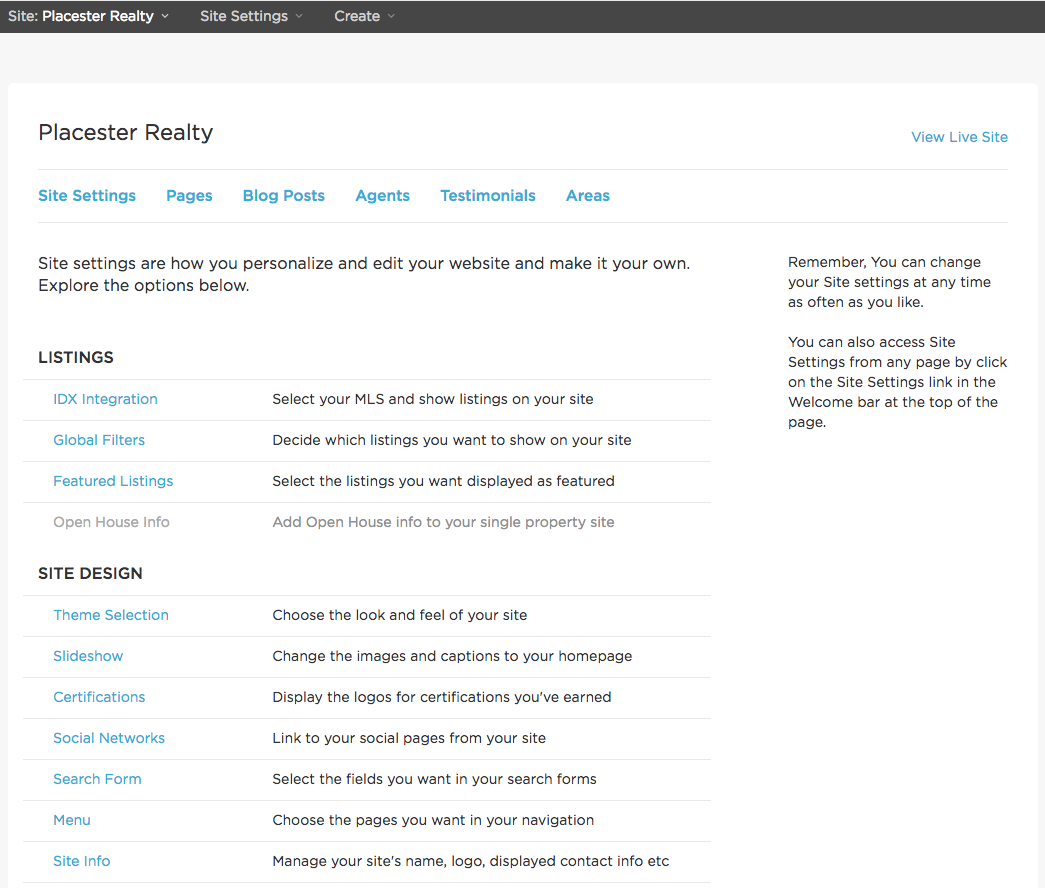
By clicking Edit Site you are brought to the site settings area of your site.
Need More Help?
For questions, concerns, or feedback, please chat with our team: https://app.placester.com/chat