Editing Your Contact Details [Classic]
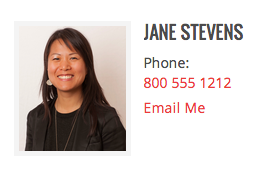
This article will show you how to Add your contact information that displays in the Agent widget on your Home, Contact, Testimonials, and property details pages.
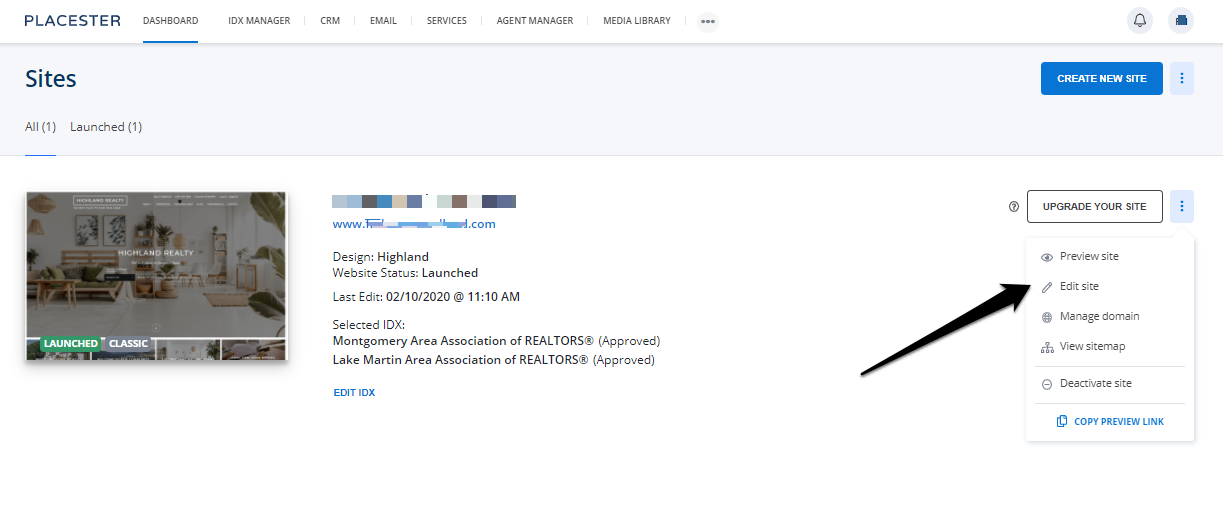
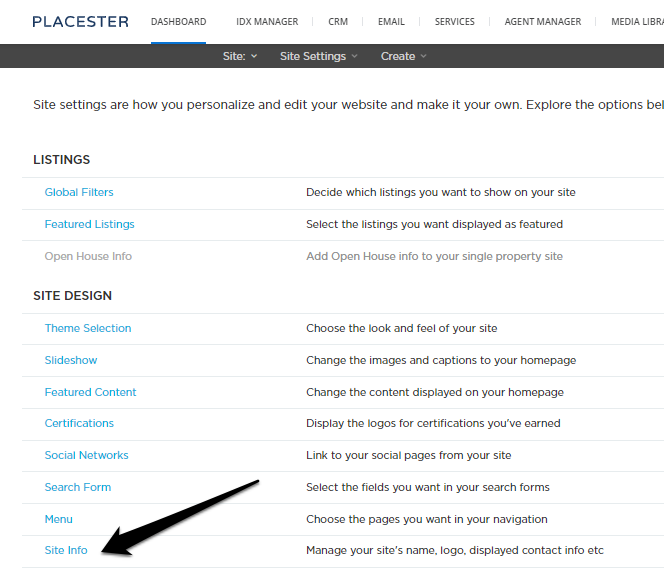
To start, open the Site Settings drop-down at the top of the admin panel and select Site Info.
Edit Site > Site Settings > Site Info
This will open a slide-out panel where you can add your name, email address, phone number and headshot to the Contact Details section.
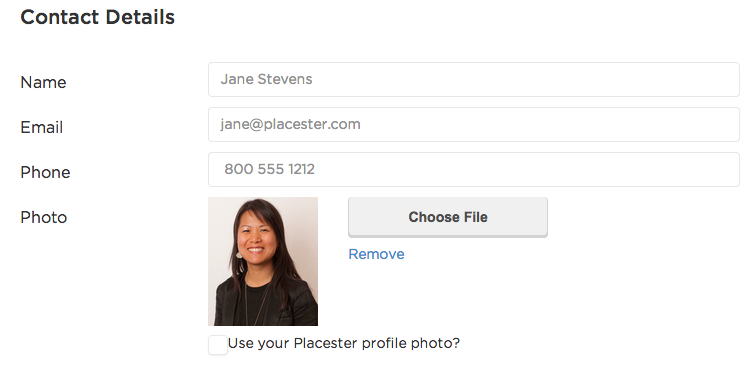
Feel free to use a contact email address that's different from the one associated with your Placester account - don't worry, your login username won't change.

Need More Help?
For questions, concerns, or feedback, please chat with our team: https://app.placester.com/chat