Plan and Billing: Invoices & Accessing the Usage Trail
This article will show you How you can Access your Invoices and Usage Trail.
Once you logged in to your dashboard, click the Profile Icon > Plan & Billing,

Invoices
To view your recent invoices, you can click Billing history.
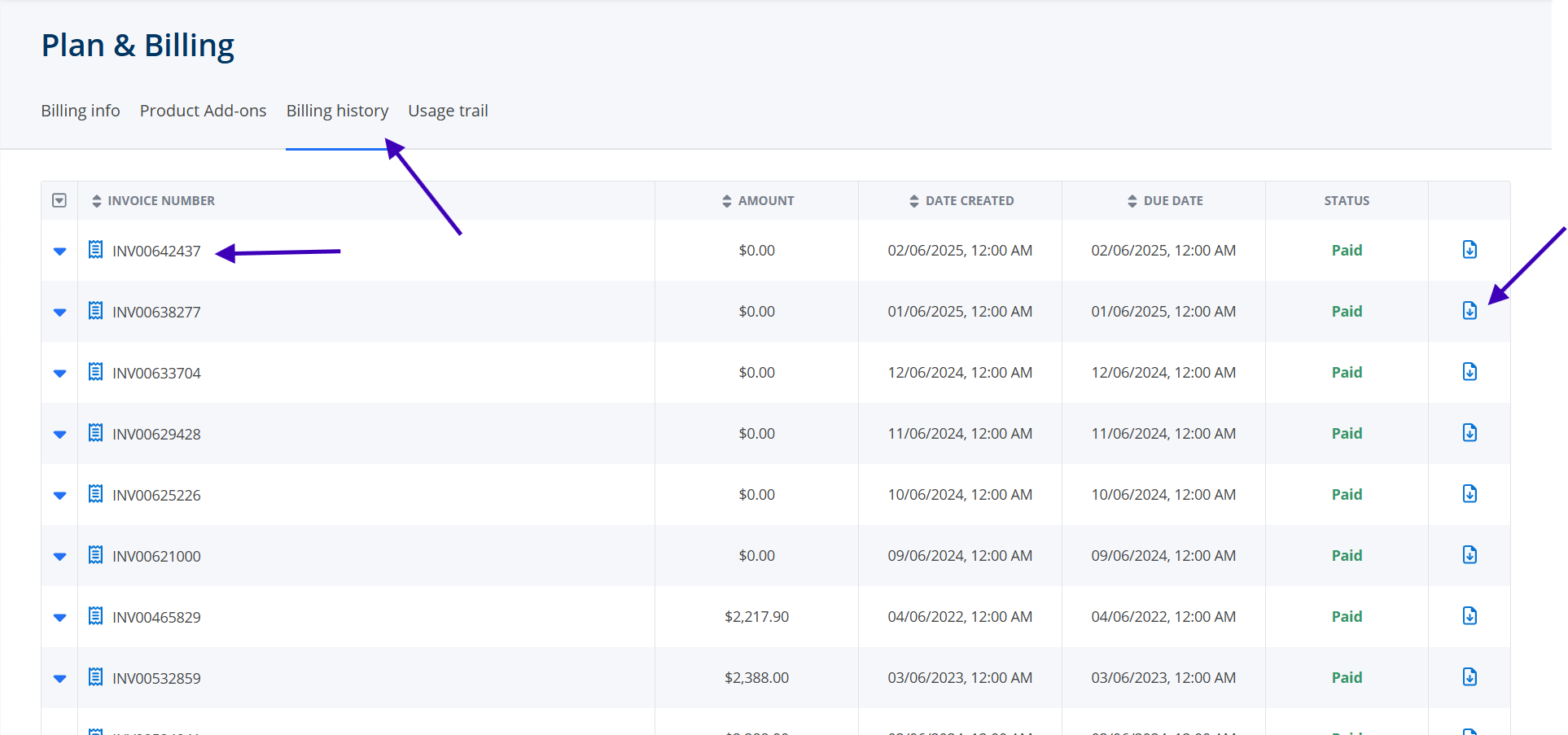
To view the breakdown of the charges in the individual invoices, click the arrow down next to the invoice number. To download it, you can click the download icon next to the status column.

Usage Trail for Brokers with Agent Managers
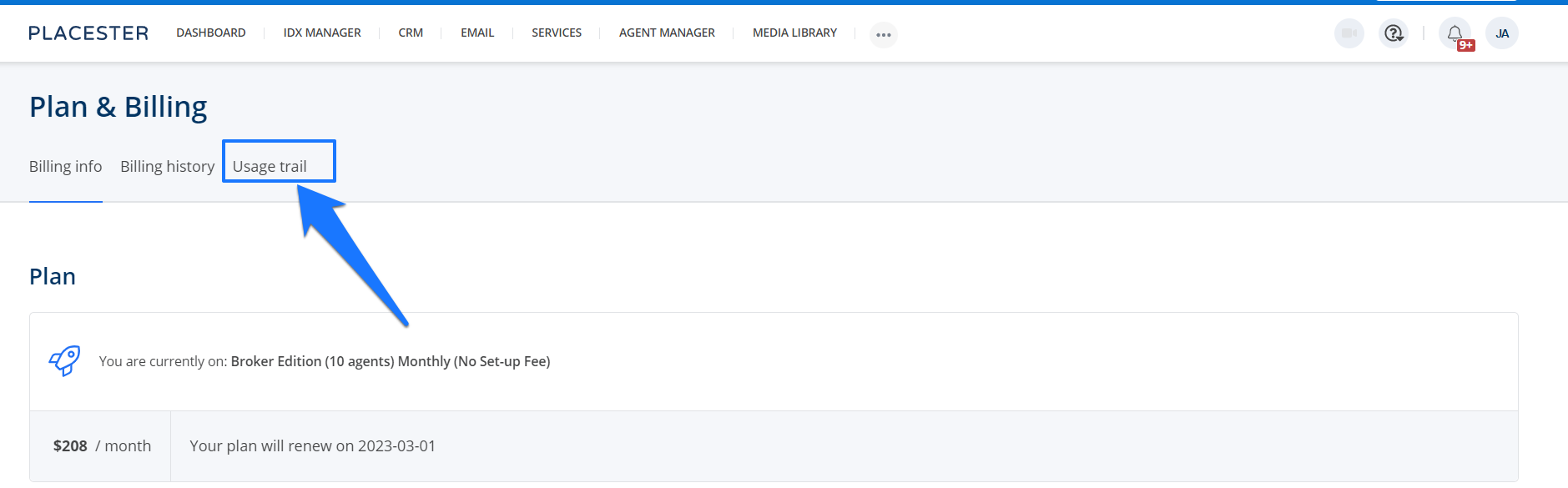
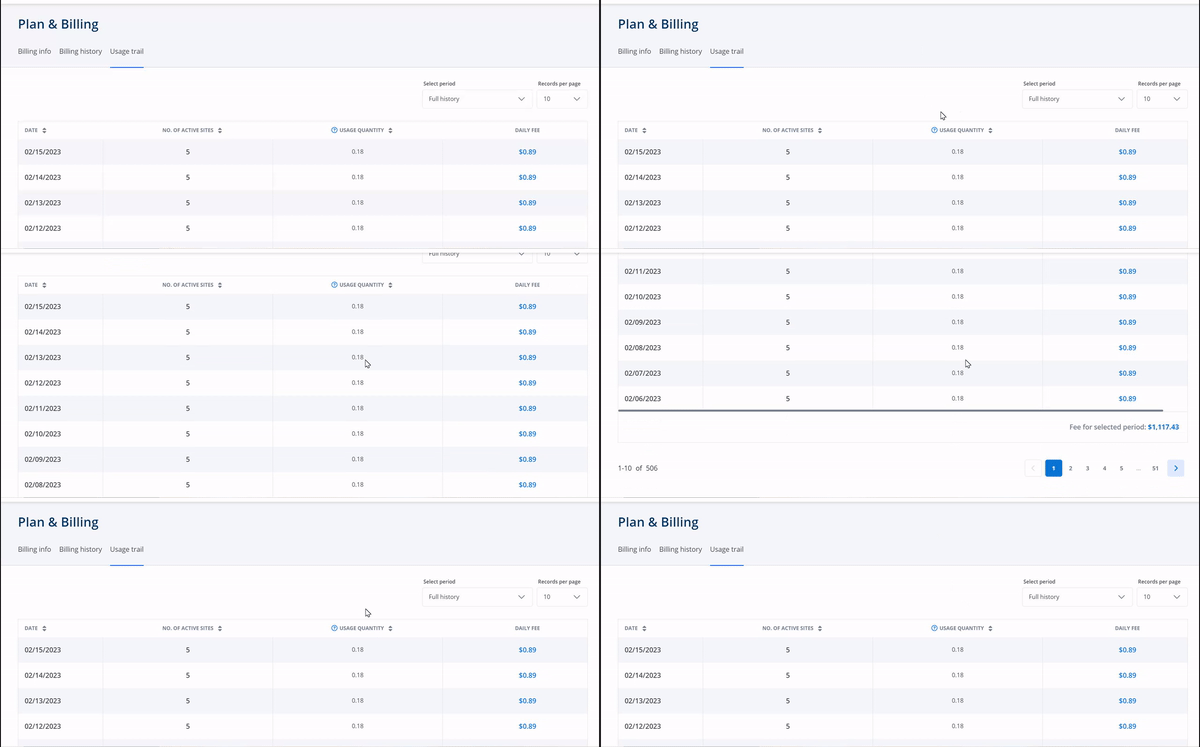
Next, simply click Usage Trail and this will redirect you to the Usage trail page.
Need More Help?
For questions, concerns, or feedback, please chat with our team: https://app.placester.com/chat