Updating Classic to Codeless Website
This article will walk you through how to Update the Classic website to Codeless Website
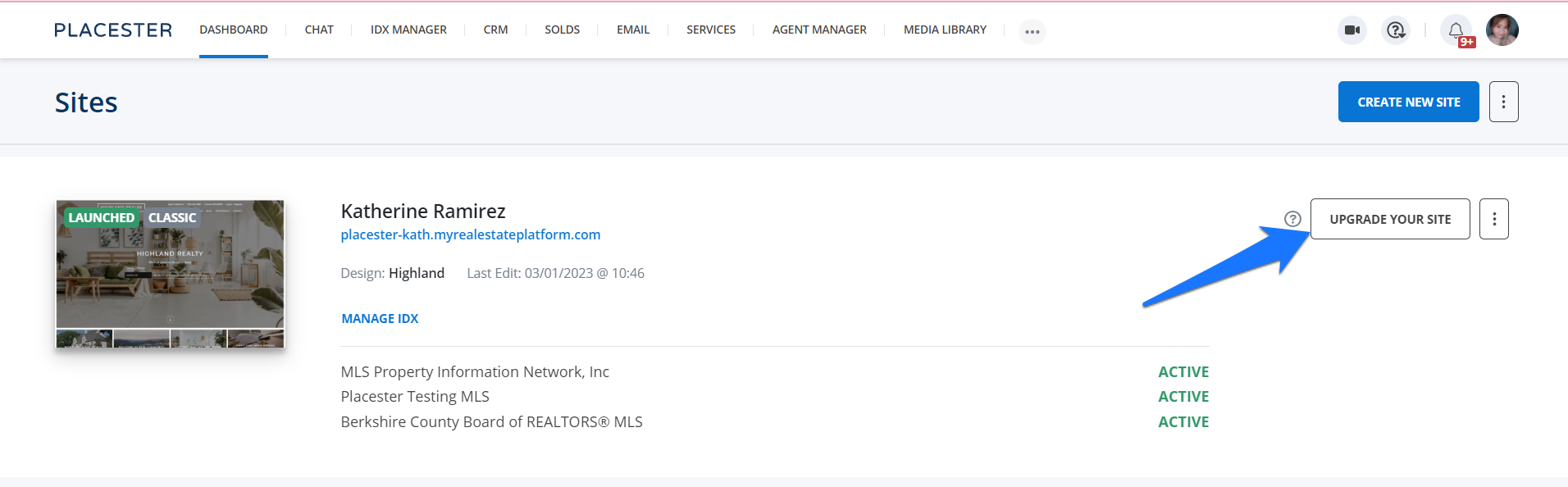
Once you're logged in to your Dashboard, click the Upgrade your site button.
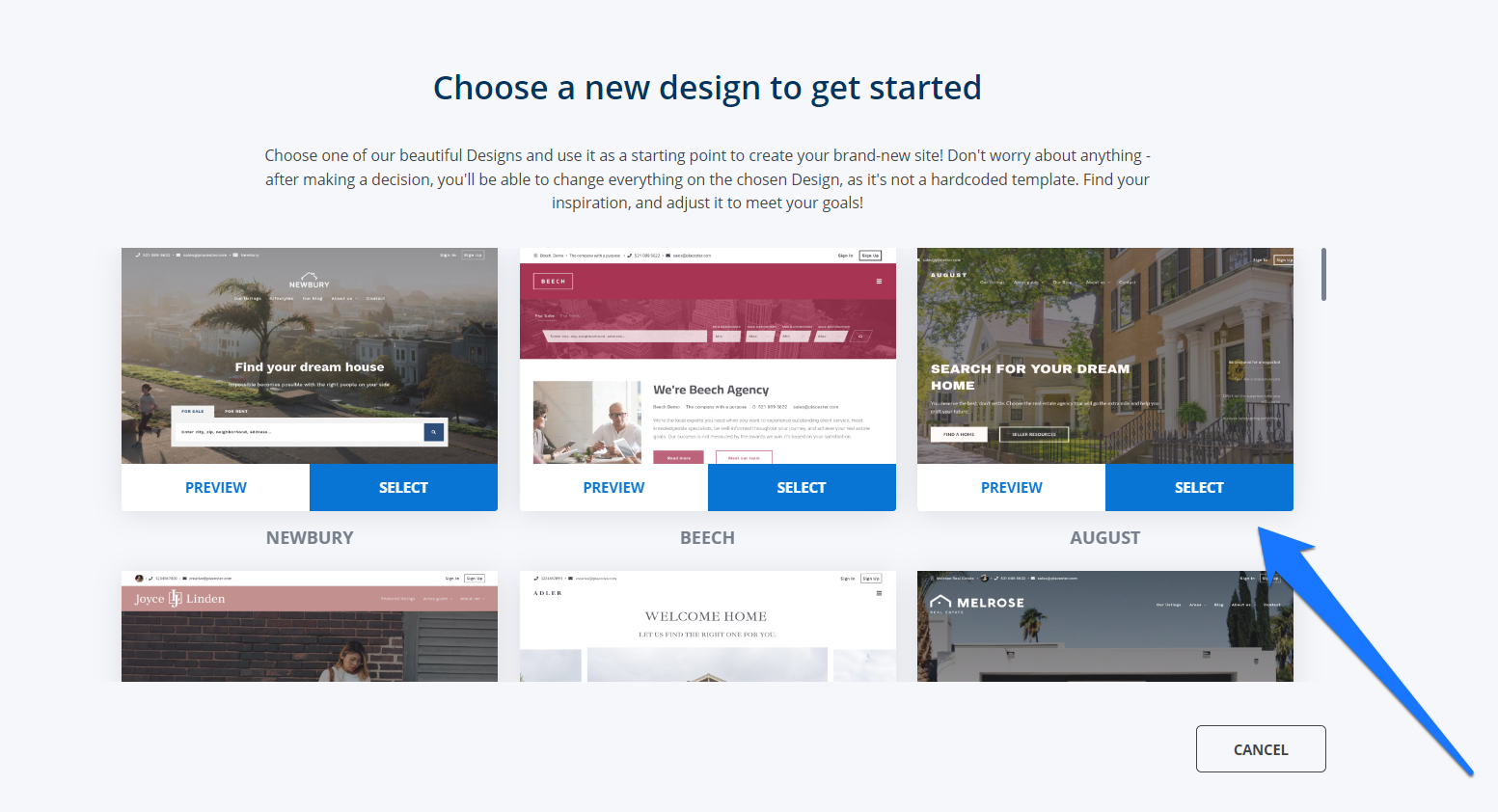
Next, you will be redirected to a page where you can select a website design. There is also an option to preview the website design. Once you find the design that you like, just click the SELECT button.
Then just wait until your codeless vebsite will become available.
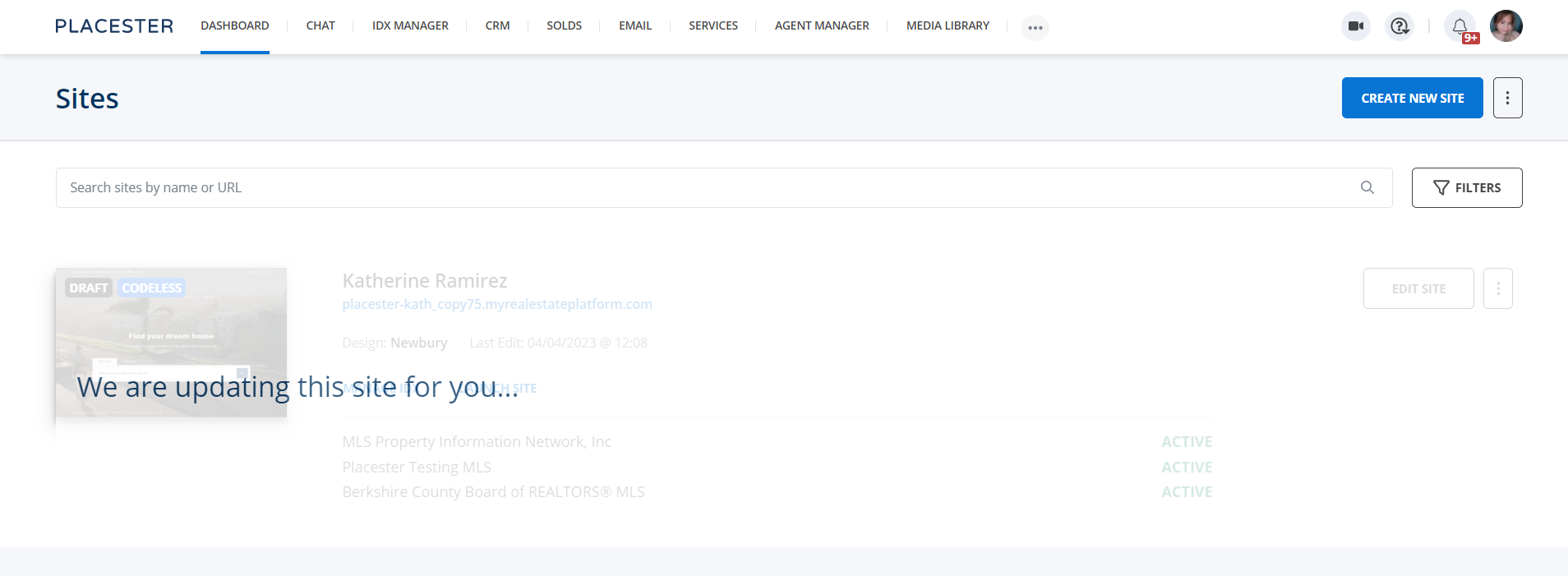
A draft of your current website will be available for you to customize and explore the features of Codeless and as long as you don't launch the codeless draft, you'd still have a copy of the classic website. No worries! You won't be charged for the update.