What to Include in your About page [Classic]
This article will guide you on what you can include on your About page.
Dashboard> Edit Site
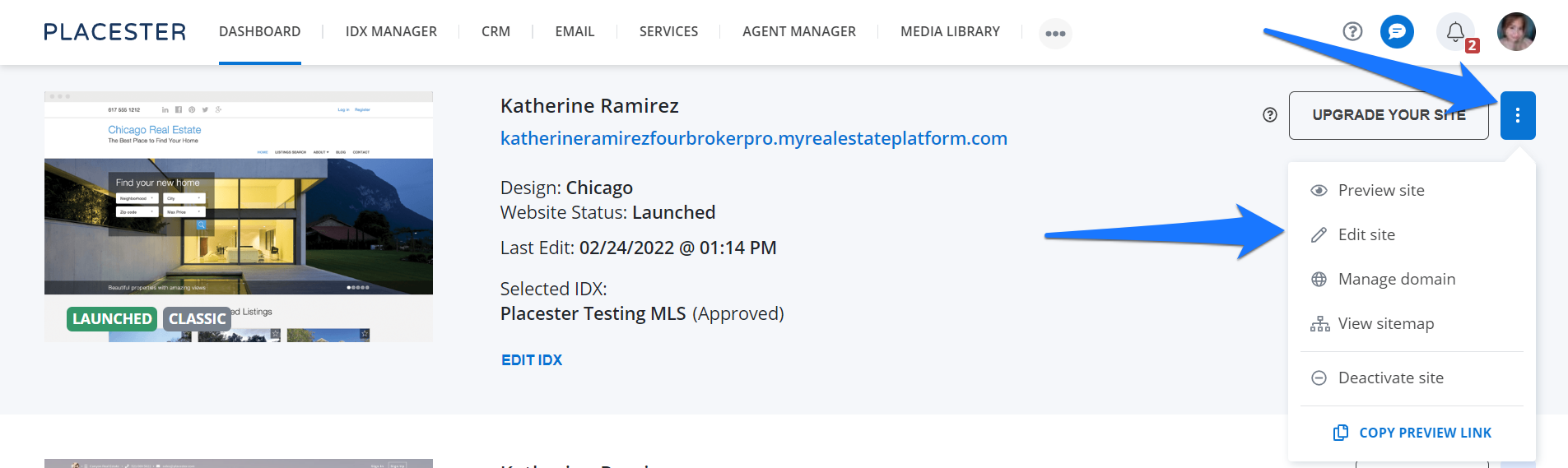
Once you're logged in to your Placester dashboard, click the 3 dots next to the update your site button then click edit site from the dropdown.
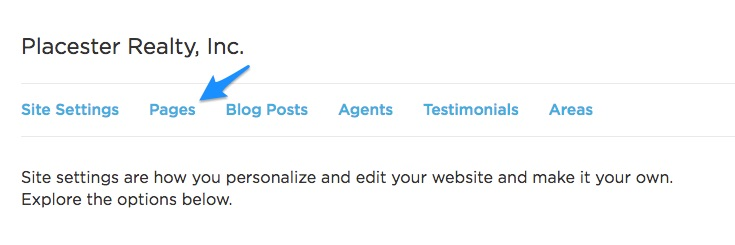
This will bring you to the Site setting page where you can see the Pages tab. Click on it and it will redirect you to a page where you can see your pages.
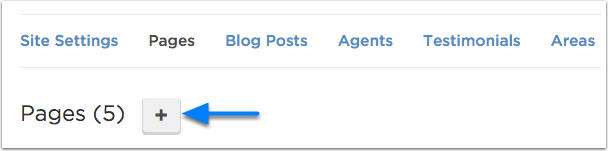
To create or add a new page, you can simply click the (+) icon.
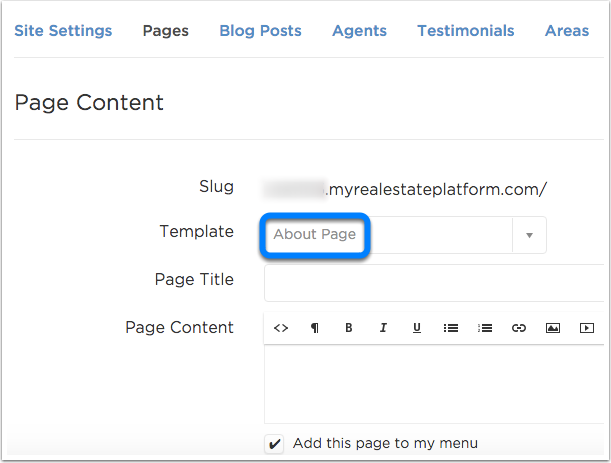
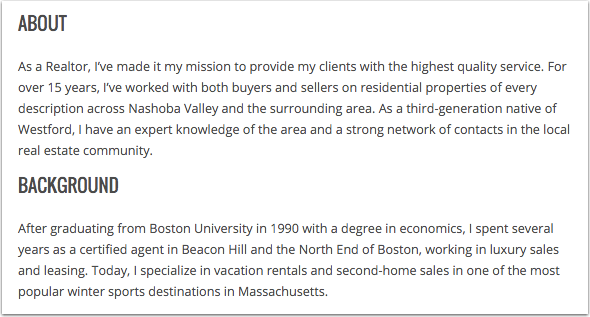
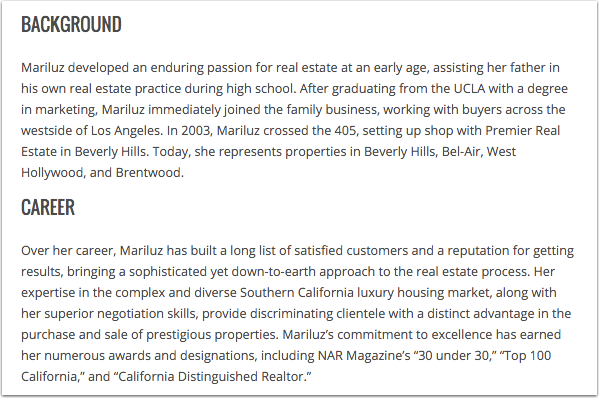
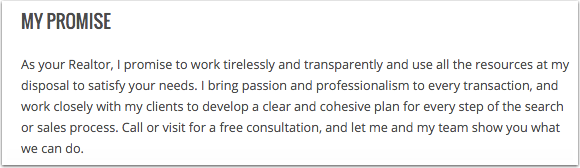
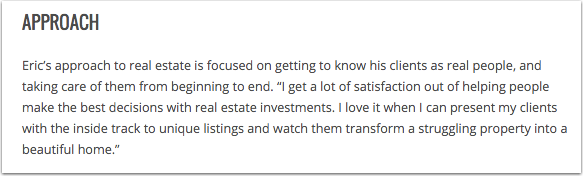
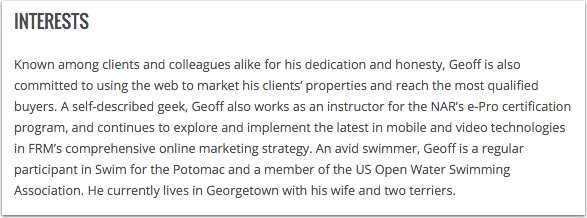
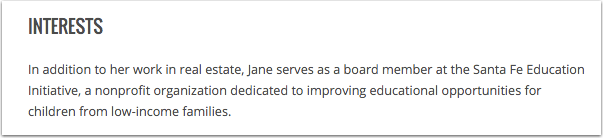
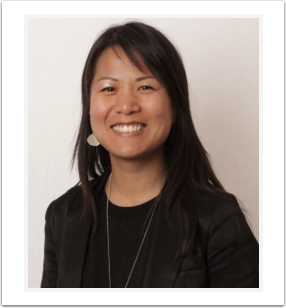
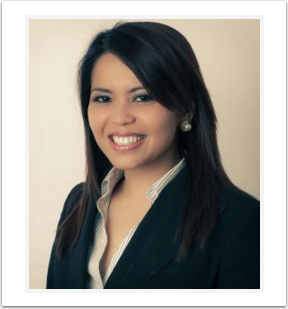
Below are the things that you can include on your About page

Need more help?
For questions, concerns, or feedback, please chat with our team: https://app.placester.com/chat