Page Templates [Codeless]
These steps are for the Legacy Customizer. For Site Edit, see Choosing a Page Type.
This article will describe what each Page Template on a Placester site accomplishes.
Creating a page
Placester allows you to create unlimited pages on your site. To find out how to add a new page to your site, click Customizer: Creating a New Page Codeless.
Page Templates
Each page template on our Advanced Plan and Office Builder subscriptions you can use to create different functionality for your site. They are:
- Page Templates Codeless
- Page Templates Codeless
- Page Templates Codeless
- Page Templates Codeless
- Page Templates Codeless
- Page Templates Codeless
- Page Templates Codeless
- Page Templates Codeless
- Page Templates Codeless*
- Page Templates Codeless
*Only Advanced Plan and Office Builder subscription features.
Default Page Template
This page template can be considered a blank template - it allows you to add whatever text, images or videos you like to a page. When used, it will generate a page like the following:
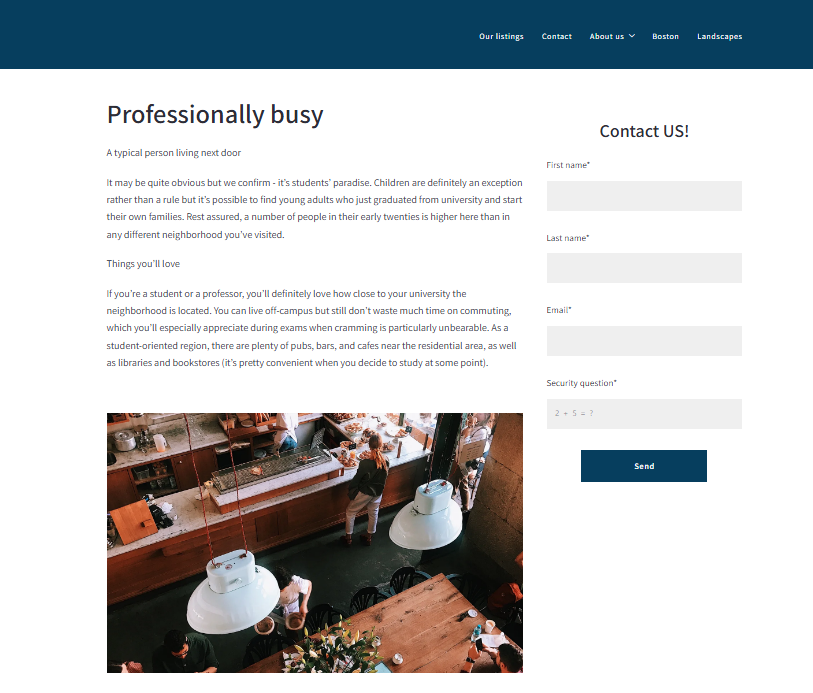
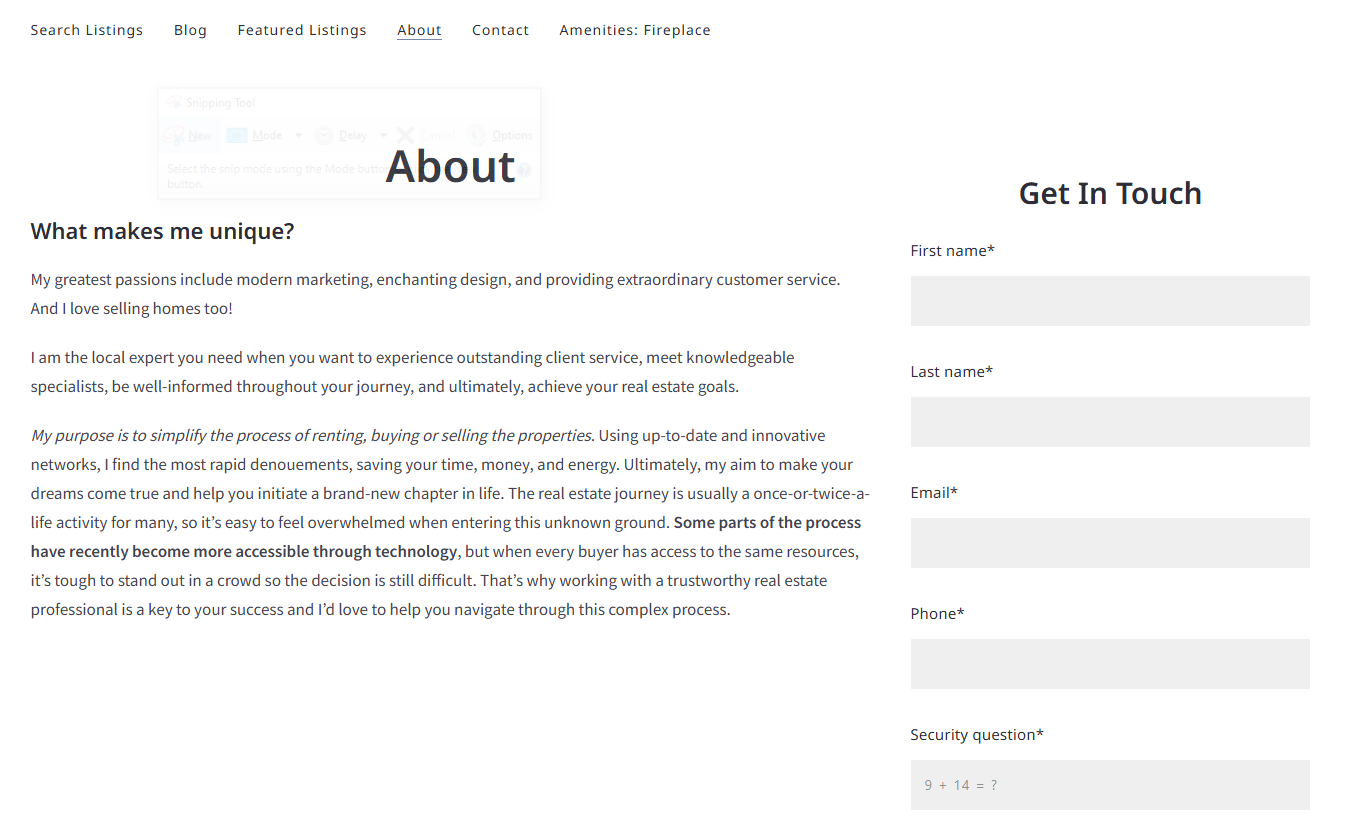
About Page
The about page template is similar to the default page and generates the Get In Touch and search listings widget on the right-hand side of the page. Click How to create an About Page Codeless to learn how to create this template.
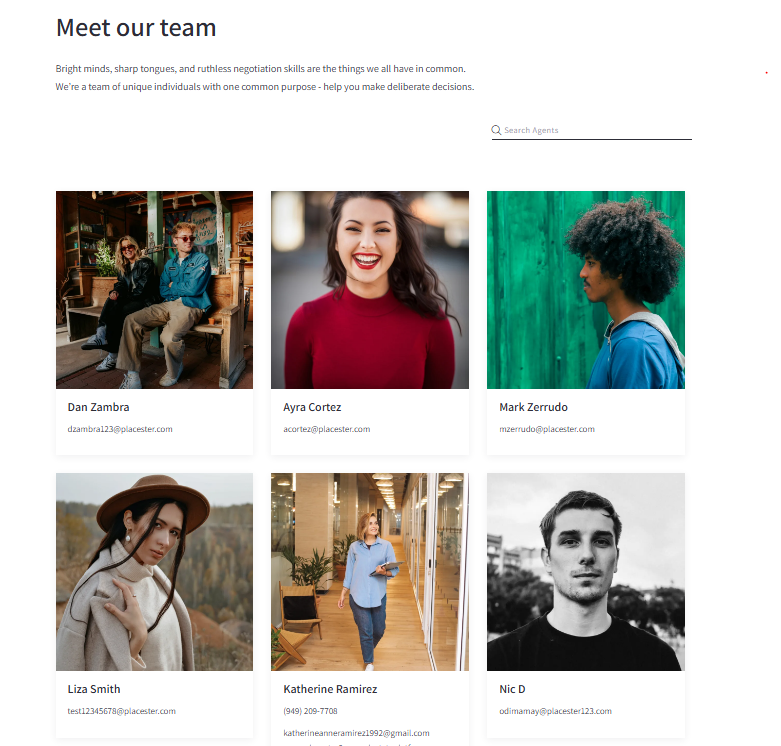
Agents Index
This page template generates a page that will list out all of the agent profiles you've added. To find out more about creating Agent profiles and an Agent Index page, Creating an Agents Page Codeless.
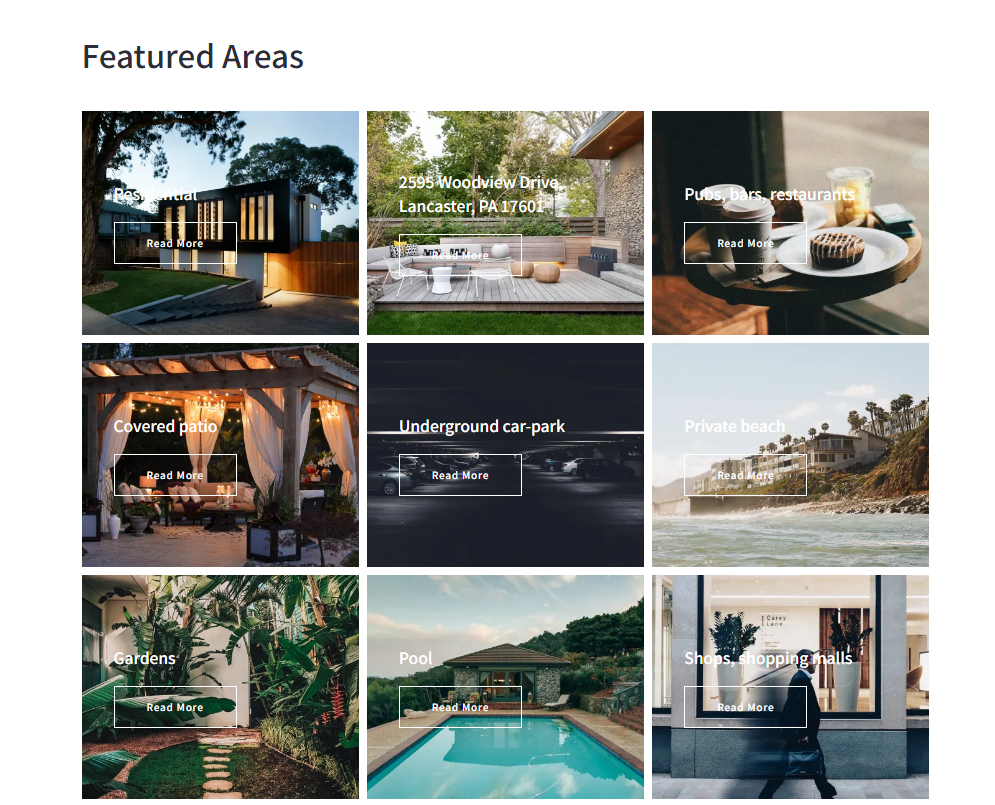
Areas Index
The Areas Index page generates a list of all Area pages that you've created. To find out more about Area and Area Index pages, Creating Advanced Area Pages and an Area Page Index Codeless.
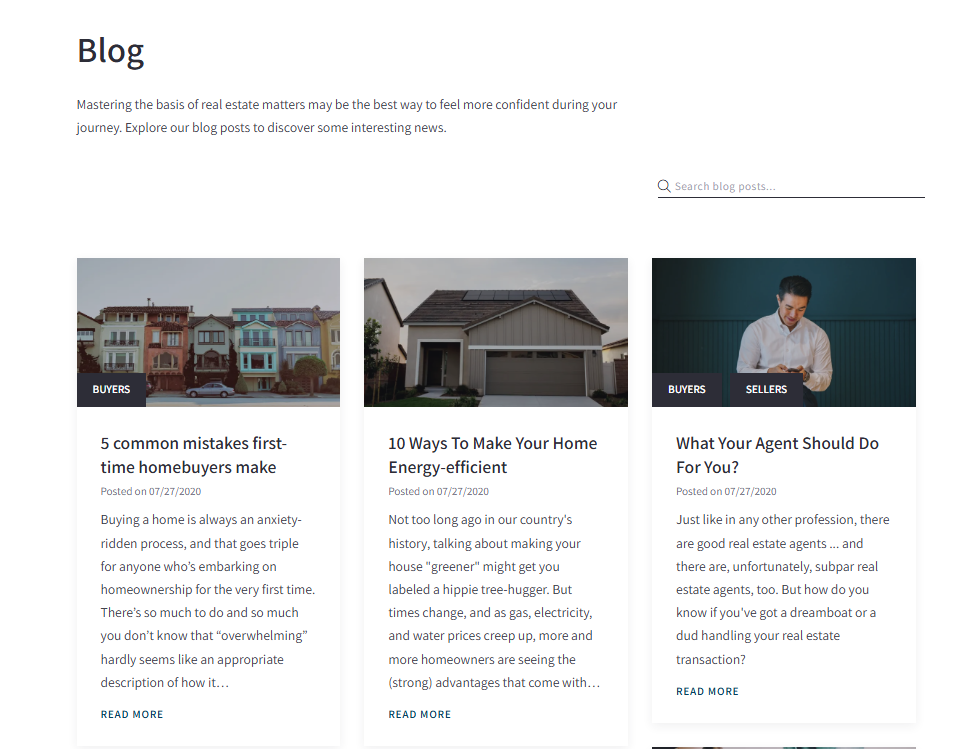
Blog Posts Index
This page template generates a list of your blog posts. For more on creating blog posts and a blog index page, Adding a Blog Post to a Category Codeless.
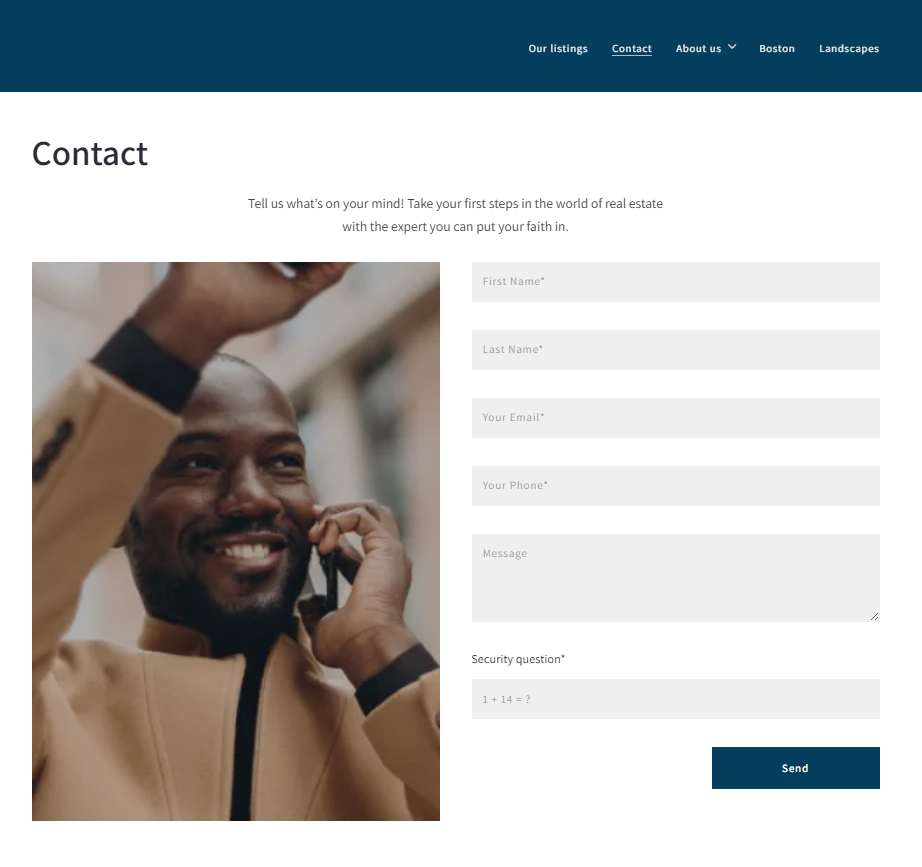
Contact Page
The contact page template generates a contact form on the live site, but you can also add content such as text, images, or video as you would with a default page template. To learn how to set up this template Creating a Contact Page ( Codeless ).
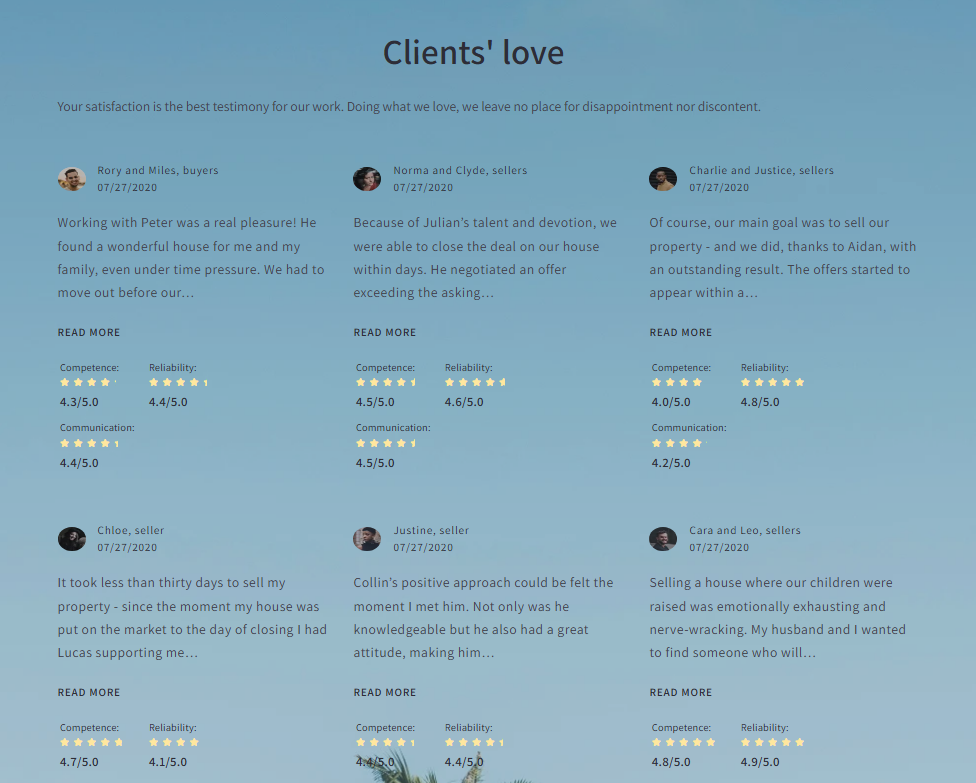
Testimonials Index
The Testimonials Index page template generates a list of the testimonials you added to your site. To find out how to add testimonials, Creating new testimonial Codeless.
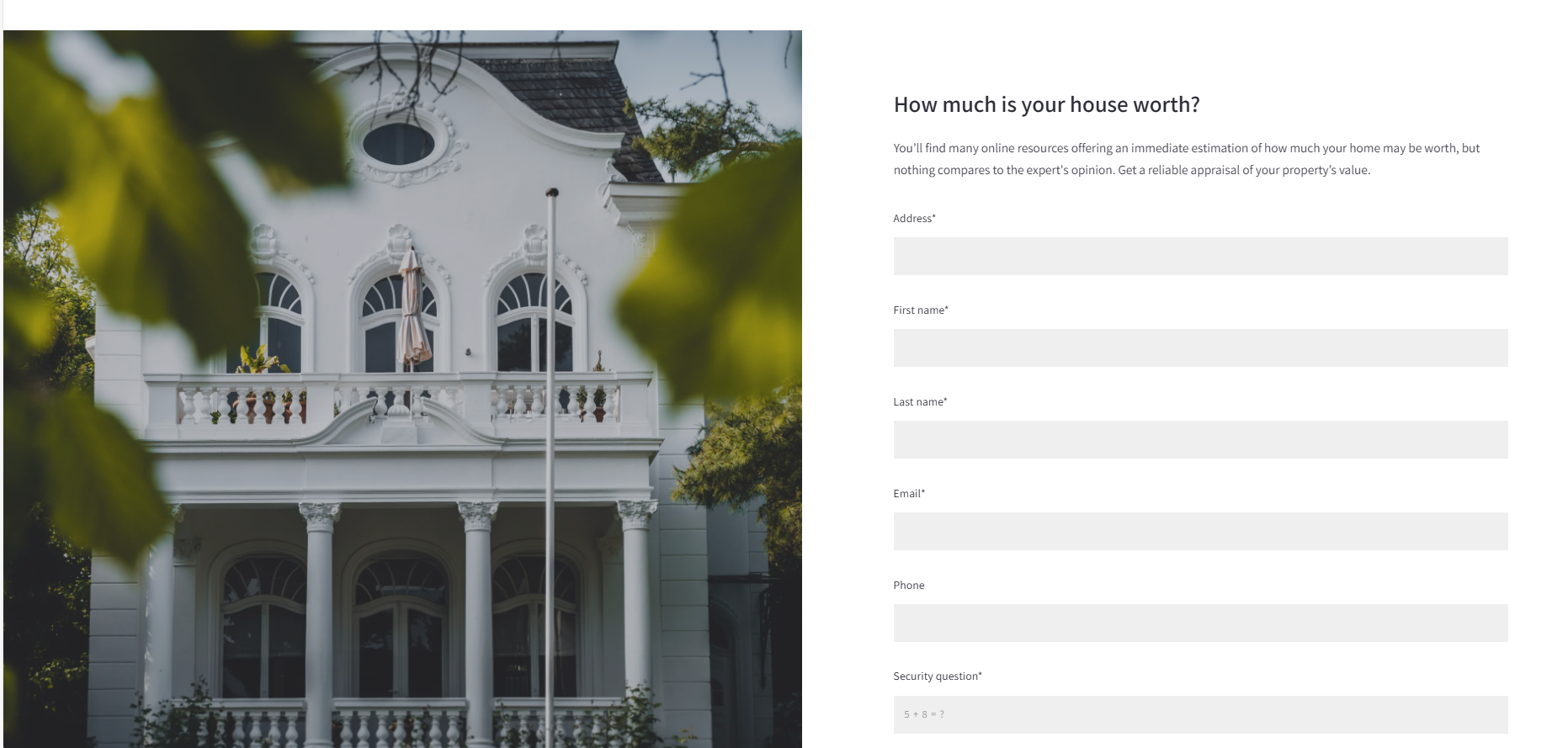
Home Valuation Page
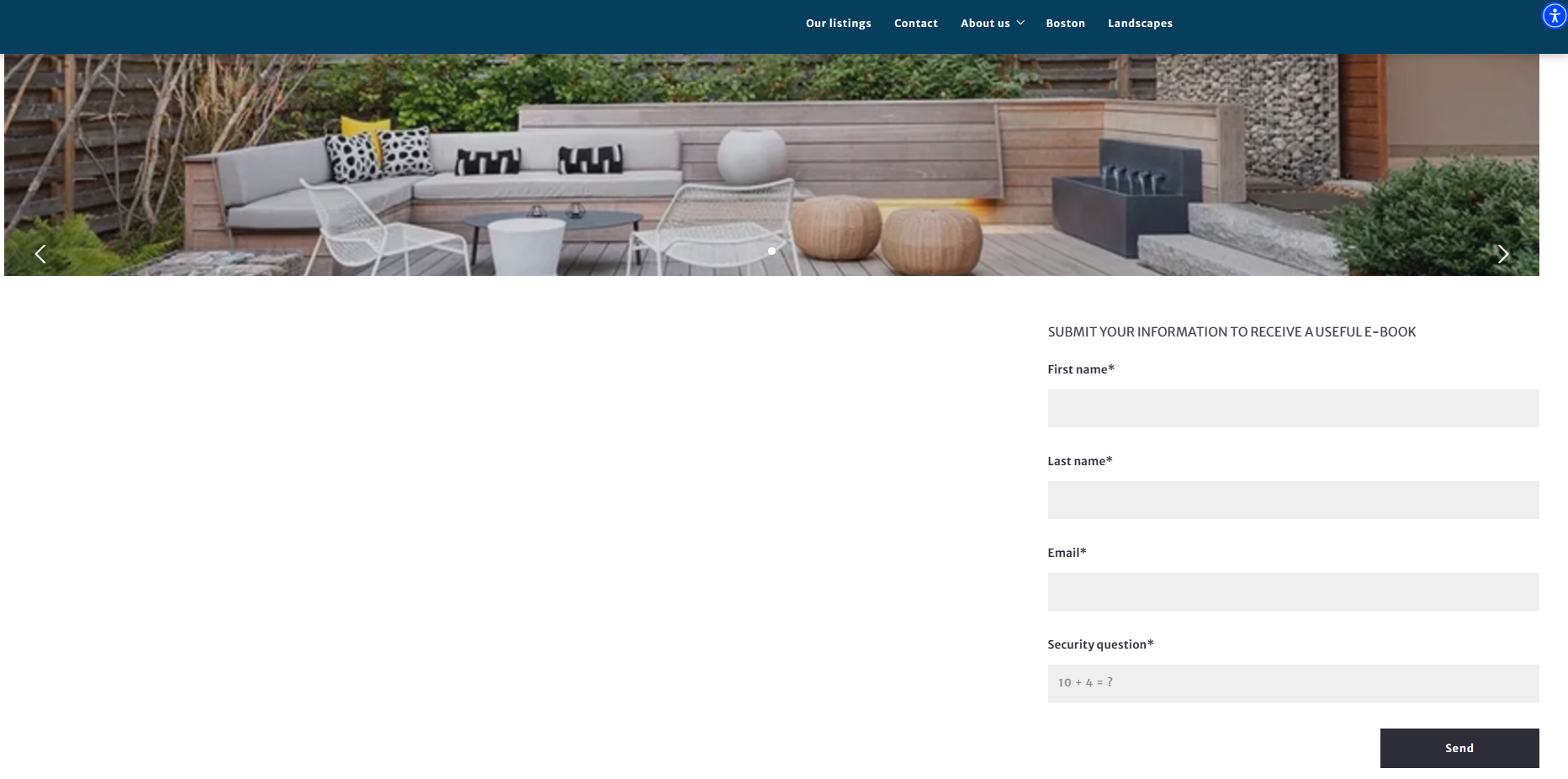
A home valuation page is a landing page that helps generate seller leads. The lead capture form on this page prompts potential clients to enter their home address and some contact information in order to hear back from an agent with a home value estimate. Click Home Valuation Page Codeless for a walk through.
Custom Landing Page
A Custom Landing Page allows real estate professionals to produce customized pages that capture information from prospective clients. Rather than just having a contact page on your site that asks for basic contact information, custom landing pages allow you to tailor your lead capture approach and collect the specific information you're hoping to capture. To learn how to set up this template Creating a Custom Landing Page Codeless.
Featured Listings Page
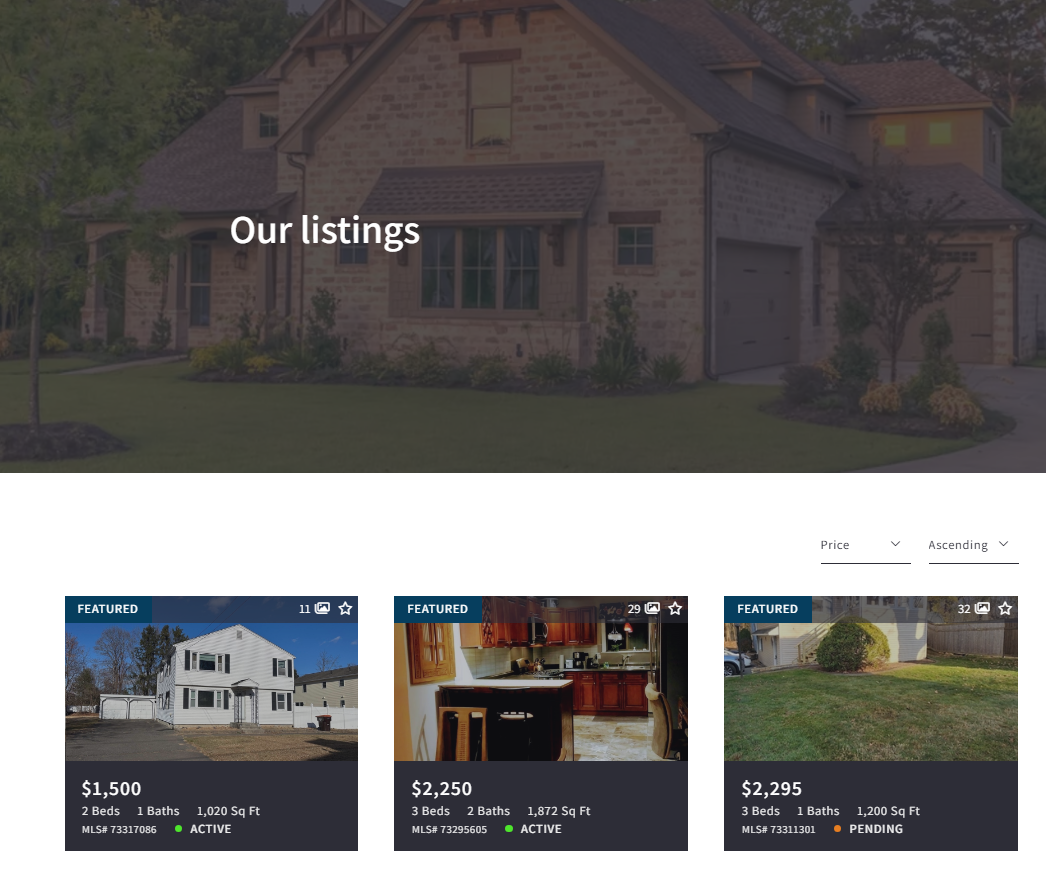
The Featured Listings page template creates a list of properties that match the criteria you set for your Featured Listings. To find out how to use this template, Using Featured Listings Page Template Codeless.
Gated Content
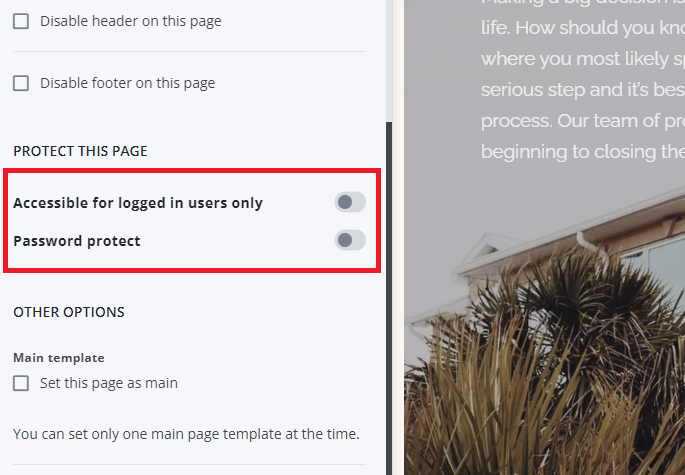
All the page templates have this feature where you can have an option to hide any page and show it only after entering the password or showing it only for logged-in users.
Need More Help?
For questions, concerns, or feedback, please chat with our team: https://app.placester.com/chat