Using the Search Box in Site Edit
Use the search box in the Site Edit top bar to go straight to the page, setting, or module you need.
Find the search box in the top bar
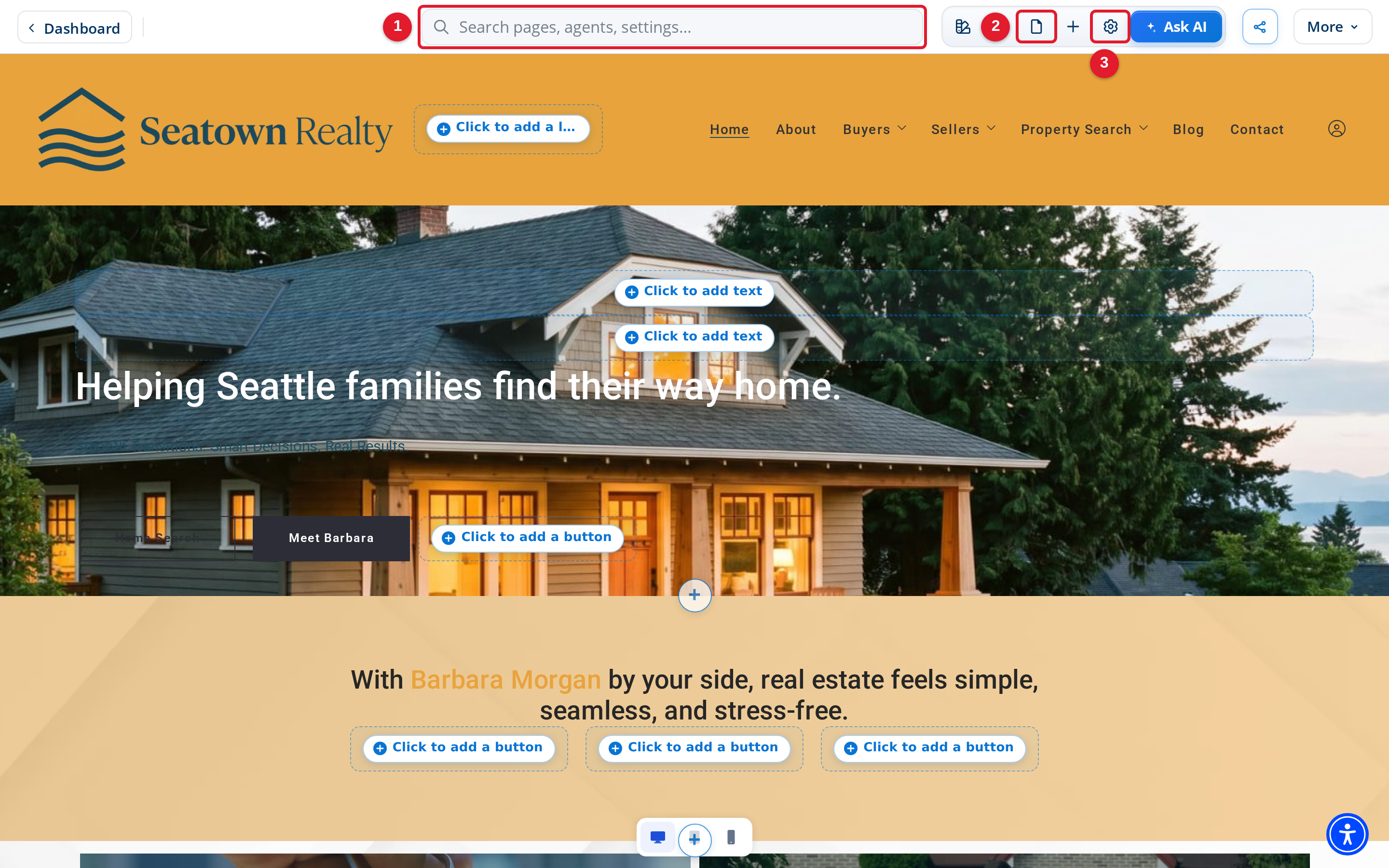
- Search pages, content, and settings: Use this search box to look for pages, content, and settings.
- Browse and open site pages: You can also browse pages from here if you prefer not to search.
- Edit page, content, and site-wide settings: Settings you find in search are part of the editing tools in Site Edit.
Search for pages, settings, and modules
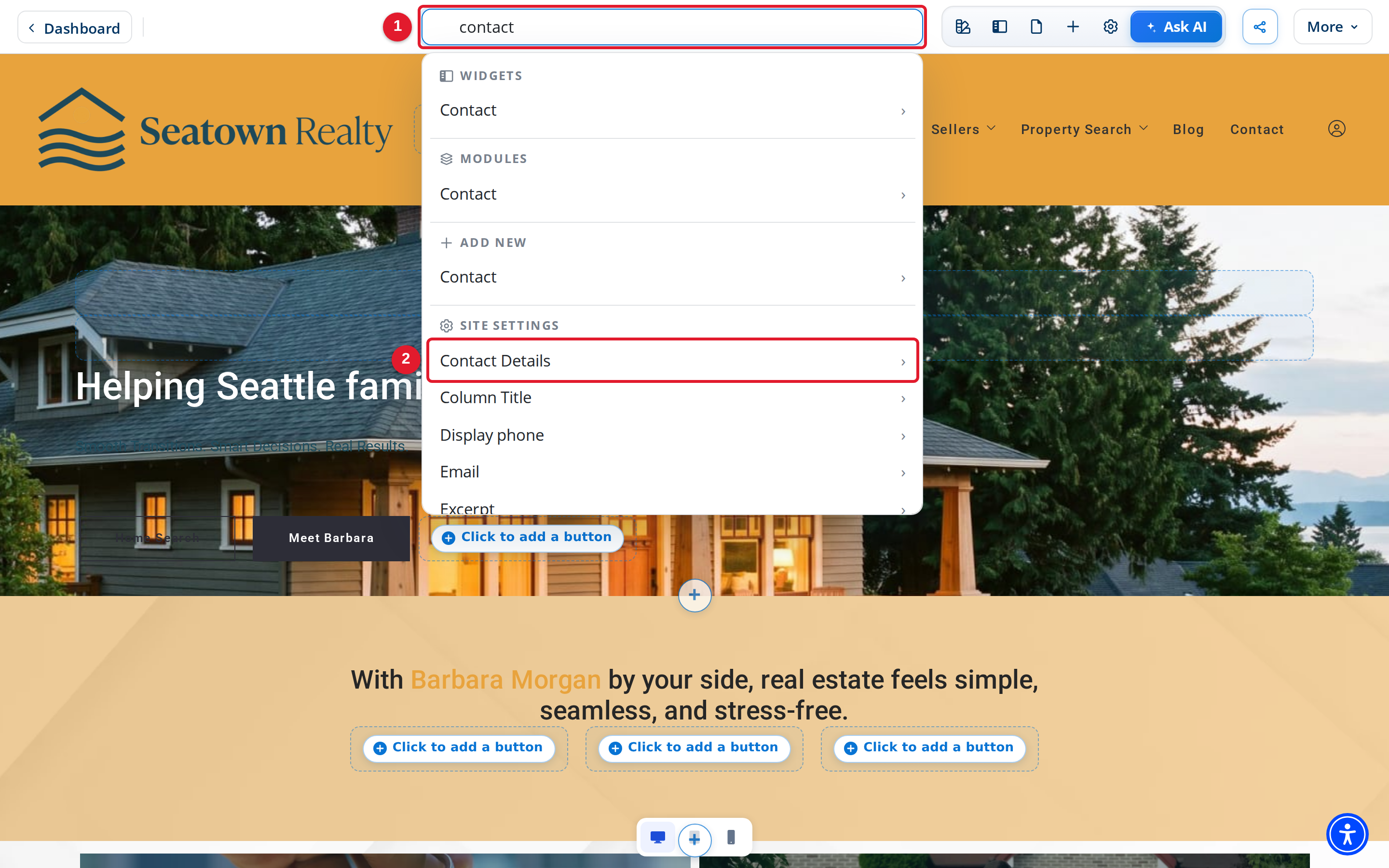
- Search pages, content, and settings: Enter a keyword, such as contact.
- Contact Details: Select a result to go straight to that setting.
The results are grouped by type. Depending on your keyword, you see widgets, modules, items you can add, site settings, page settings, design settings, and your pages, posts, agents, offices, and other content. Scroll the list to see all the results.